Get Started Free

Pick a Look in One Click

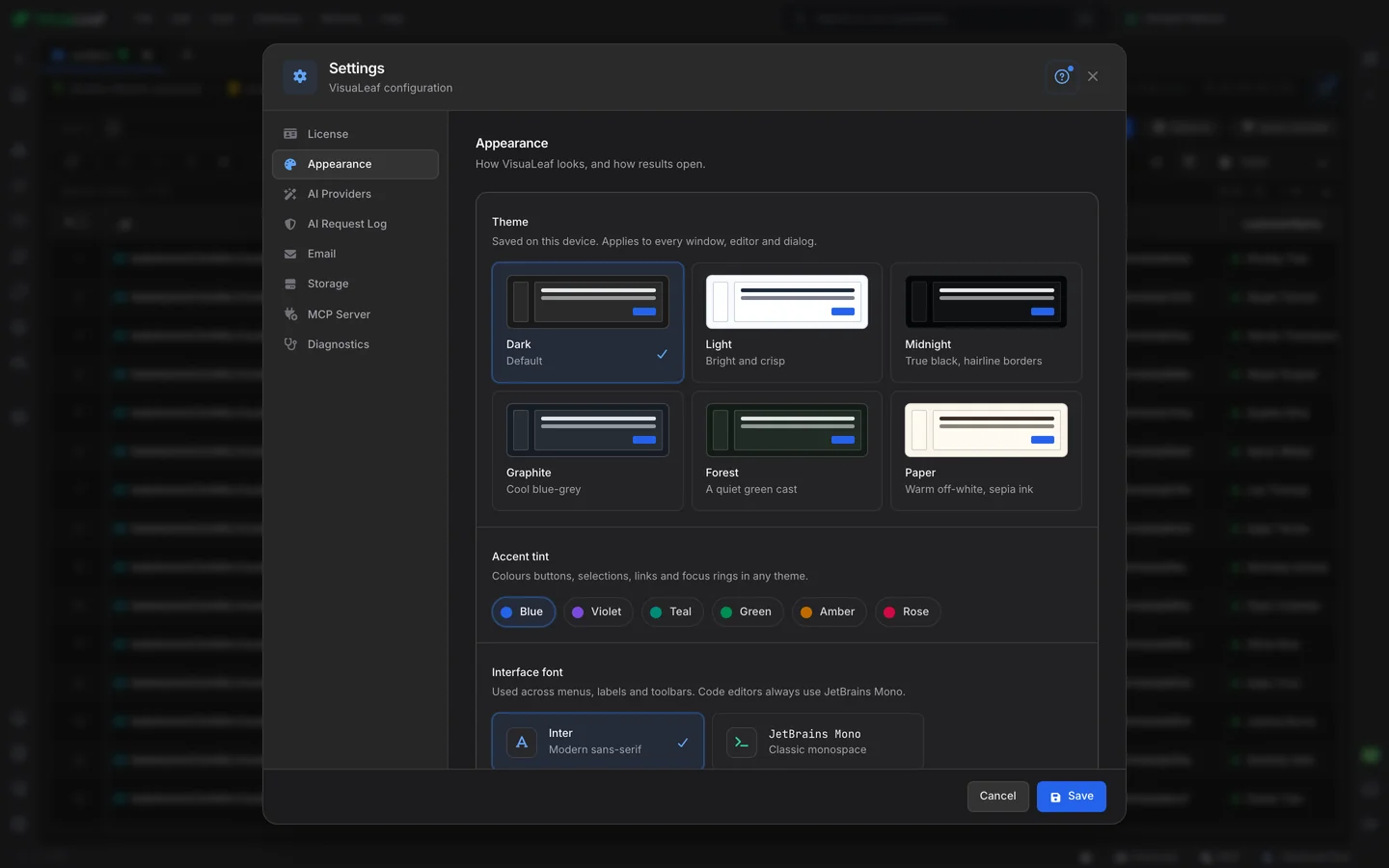
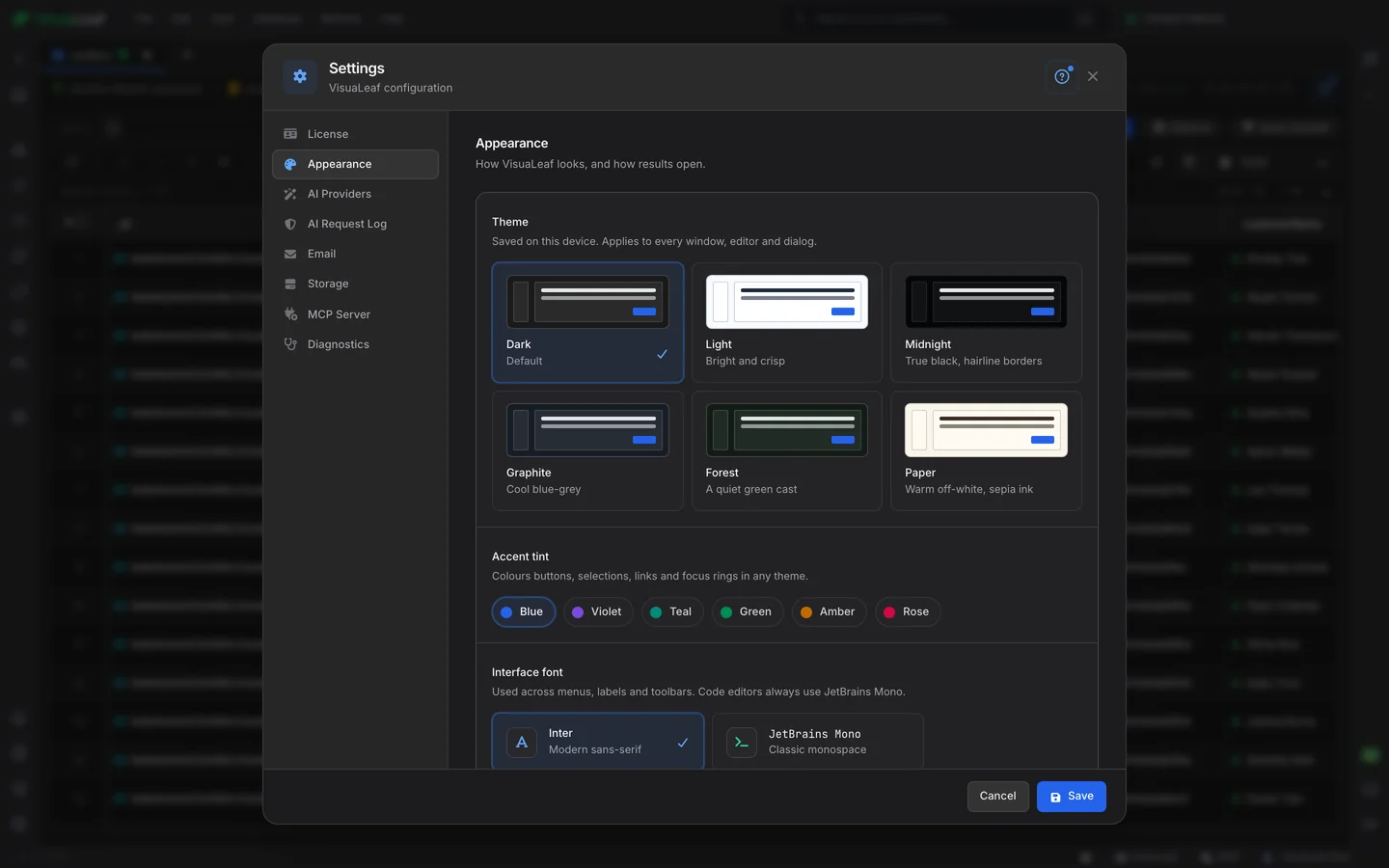
Open Settings, then Appearance, and choose from six themes. Each card is a small preview of the theme it switches to, so you see the colours before you pick. The change is instant and reaches every open window, every editor and every dialog. No restart.

VisuaLeaf database client Settings, Appearance, with six theme cards including dark mode, six accent colours and the interface font

Everything Follows the Theme

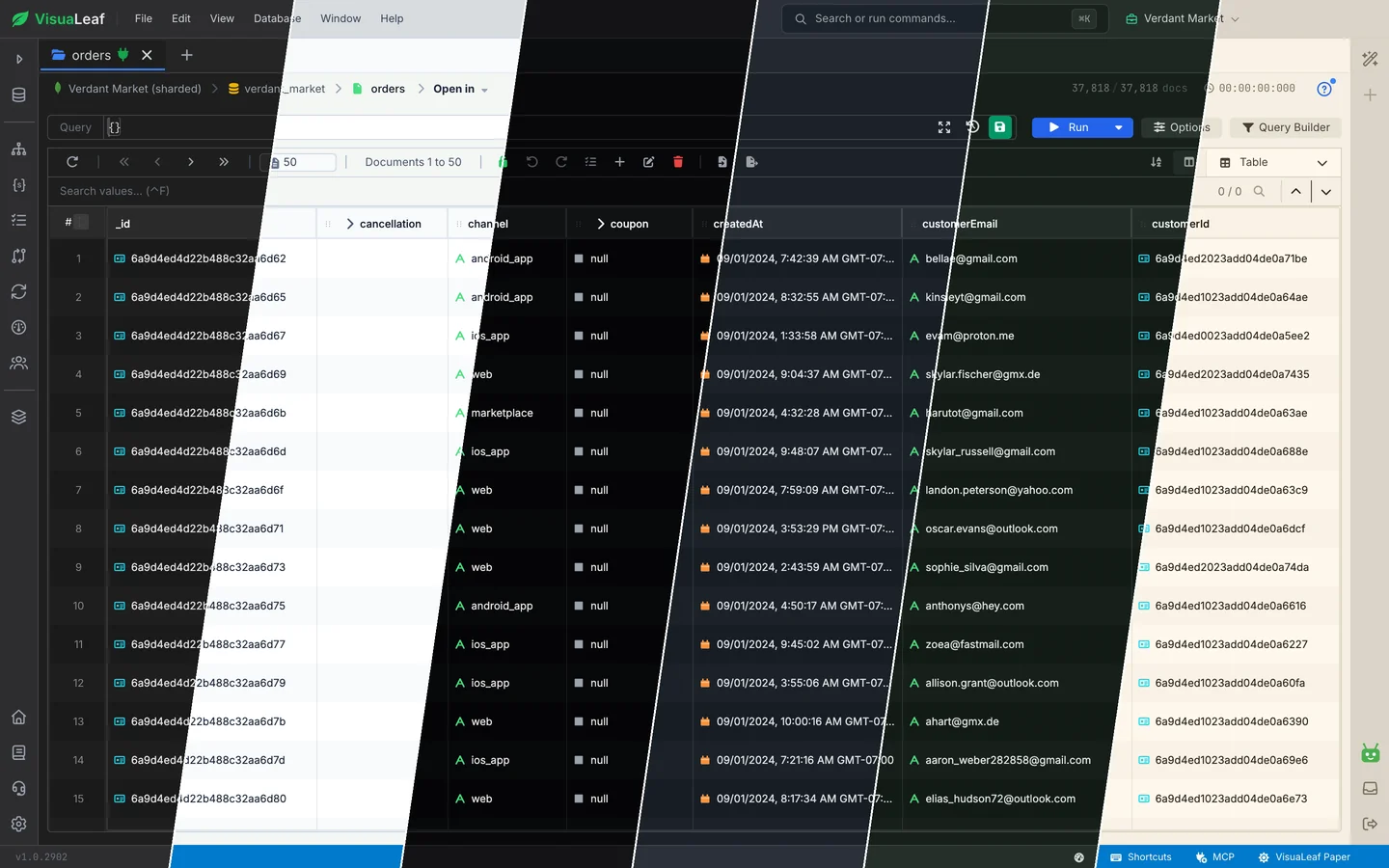
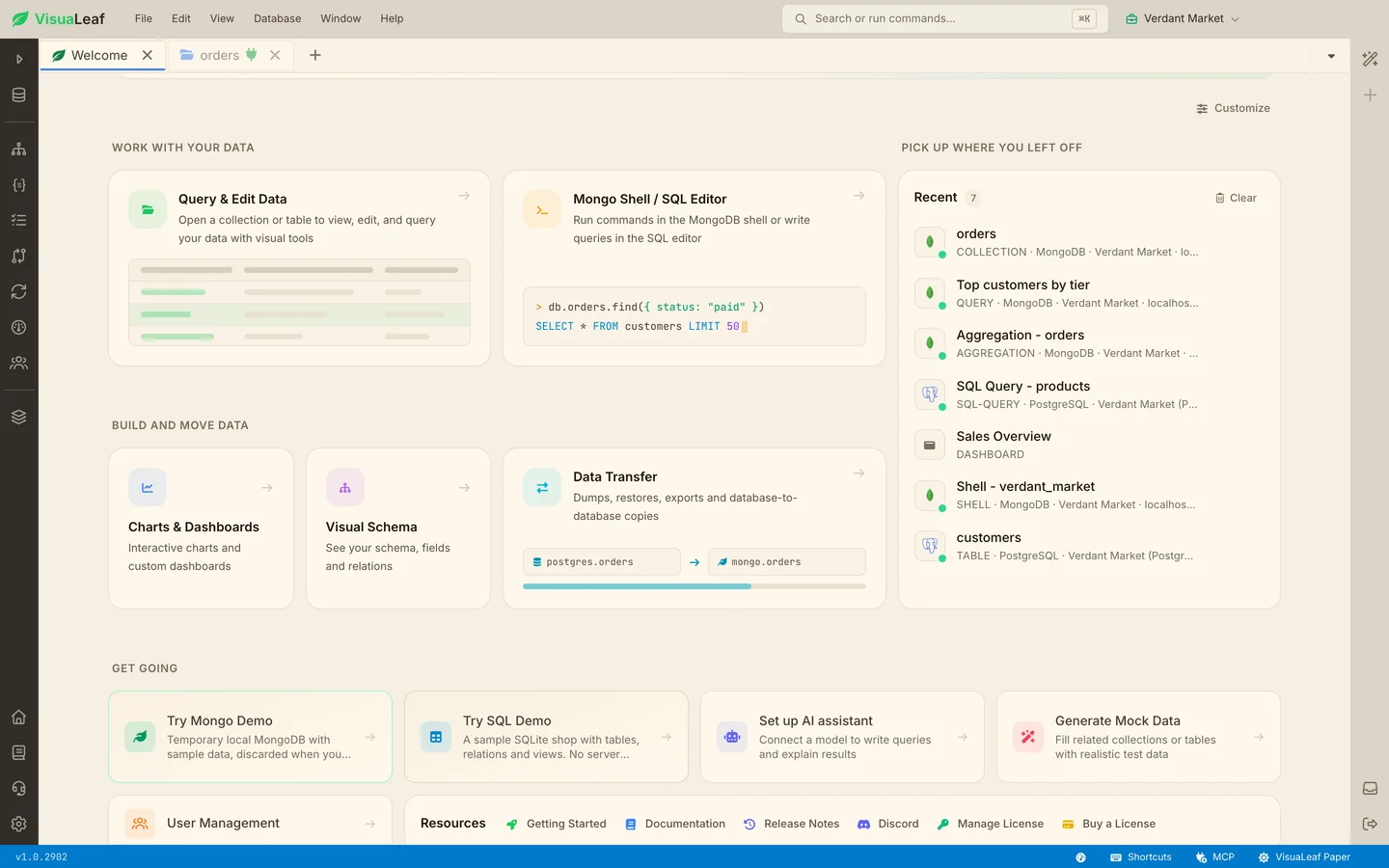
A theme is not just a new background. The data grid, the tree view, the sidebar, the home page, the code editors and the charts all change with it, so nothing glows in the wrong colour. Light and Paper are light themes; Dark, Midnight, Graphite and Forest are dark, and each one keeps the contrast you need to read your data.

The VisuaLeaf home page in the Paper theme, with warm off-white tiles and sepia text

A True Black Dark Mode

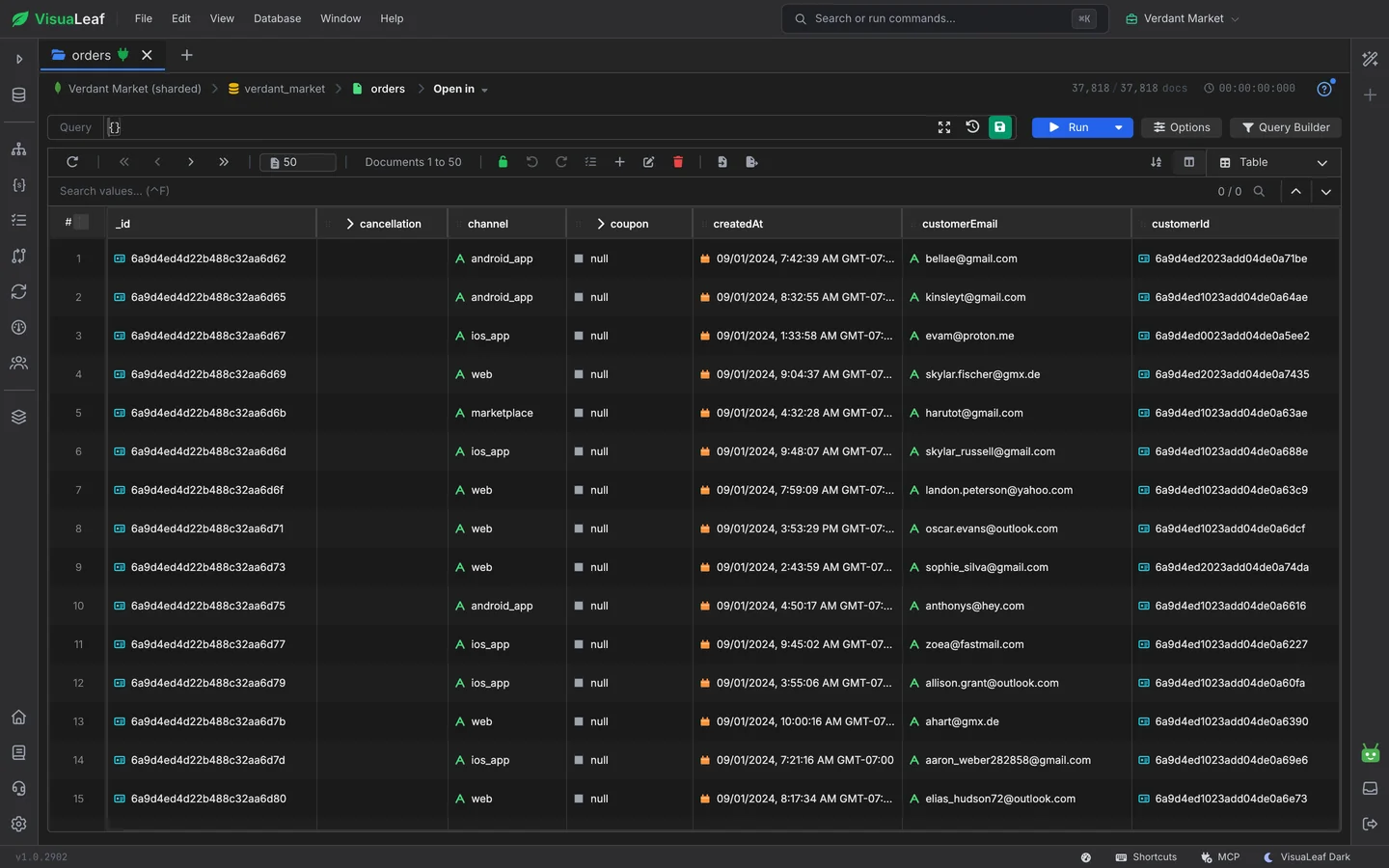
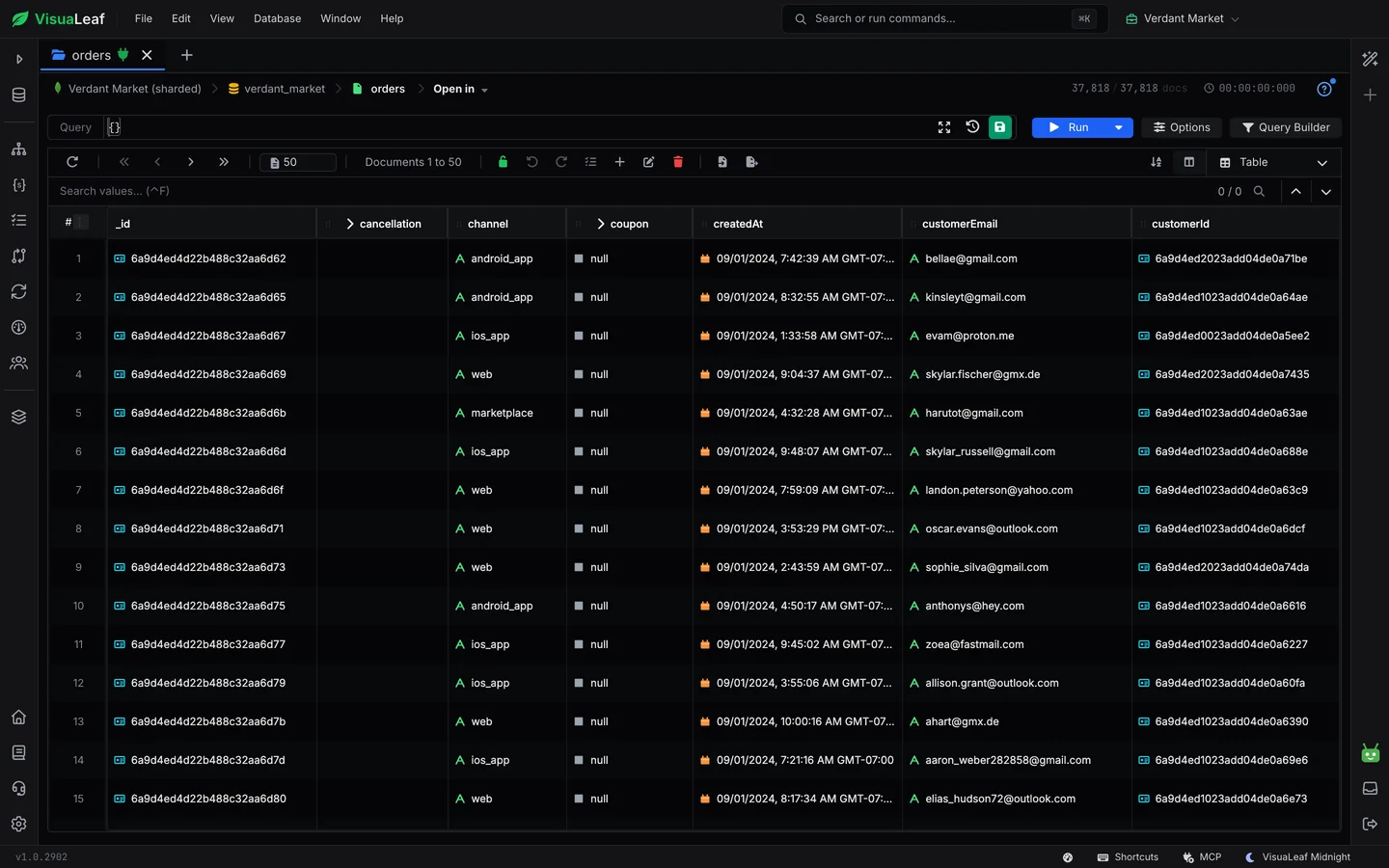
Midnight is a dark mode that goes all the way to black, with thin borders that separate panels without lighting up the room. On an OLED screen the black parts of the window switch off entirely.

A MongoDB collection in the database GUI table view in the Midnight dark mode theme, true black with hairline borders

Frequently Asked Questions

Does VisuaLeaf have a dark mode?

Yes, four of them. Dark is the default, and Midnight (true black), Graphite (blue-grey) and Forest (green-tinted) are dark too. Light and Paper are the two light themes.

How do I change the theme in VisuaLeaf?

Open Settings, choose Appearance and click a theme. The change is instant and applies to every open window, editor and dialog. The accent colour and interface font are on the same screen.

Do the themes work with every database?

Yes. The theme belongs to the whole database GUI, so it looks the same whether you are browsing MongoDB collections, editing PostgreSQL or MySQL tables, or running queries against any of the more than 40 databases VisuaLeaf supports.

Are themes free?

Yes. All six themes and all six accent colours are included in the free Community Edition.

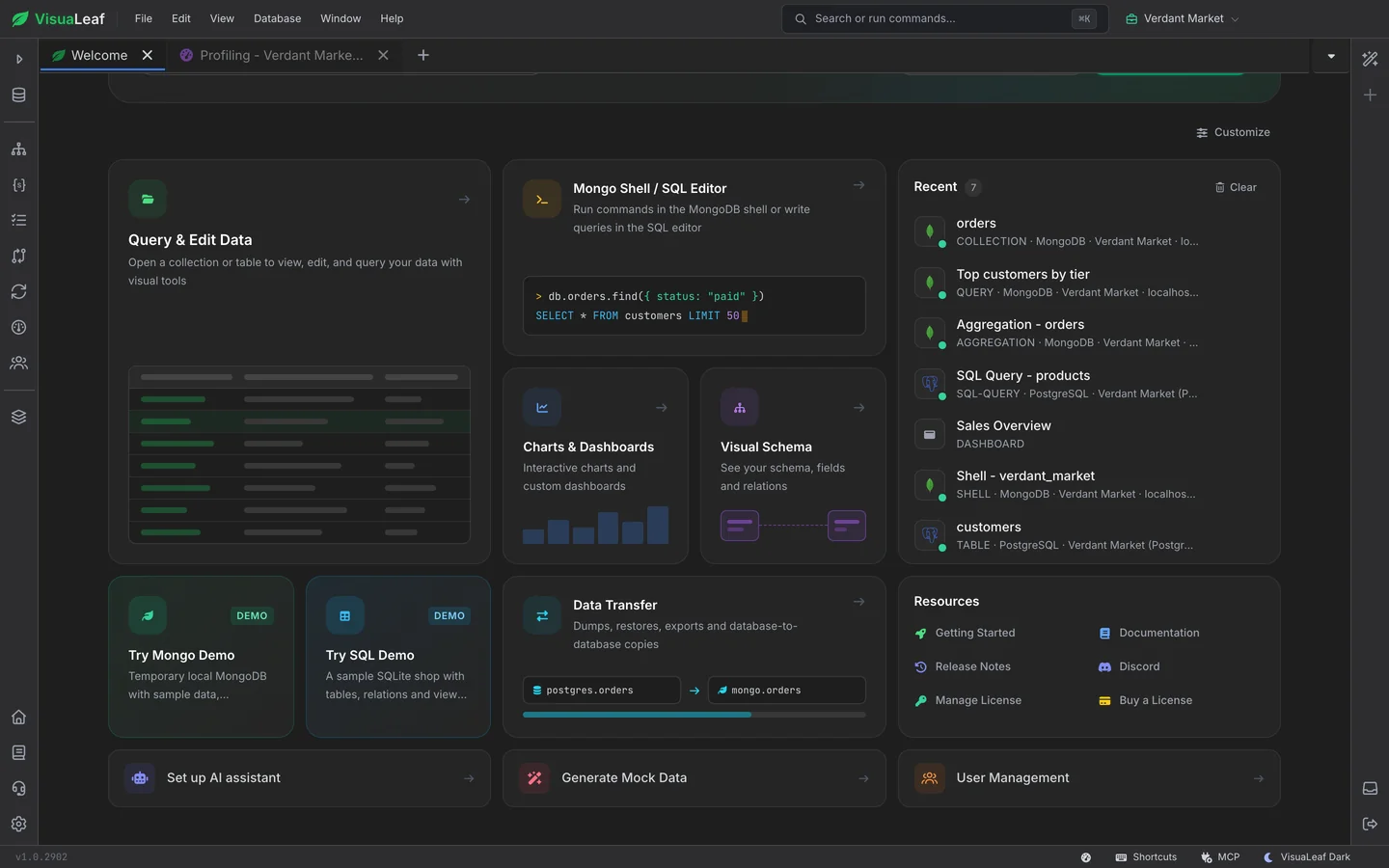
The VisuaLeaf home page in the Bento layout

Customizable Home

Move, resize and recolour the tiles on your home page, or start from one of nine presets.

A MongoDB collection in the VisuaLeaf table view

Browse Data

Browse and edit MongoDB collections and SQL tables in a grid, a tree or JSON, in whichever theme you like.

Ready to pick your look?

Get started free with our Community Edition. Includes a 14-day trial of Pro features.

macOS Windows Linux