Get Started Free

Find the Keys You Need

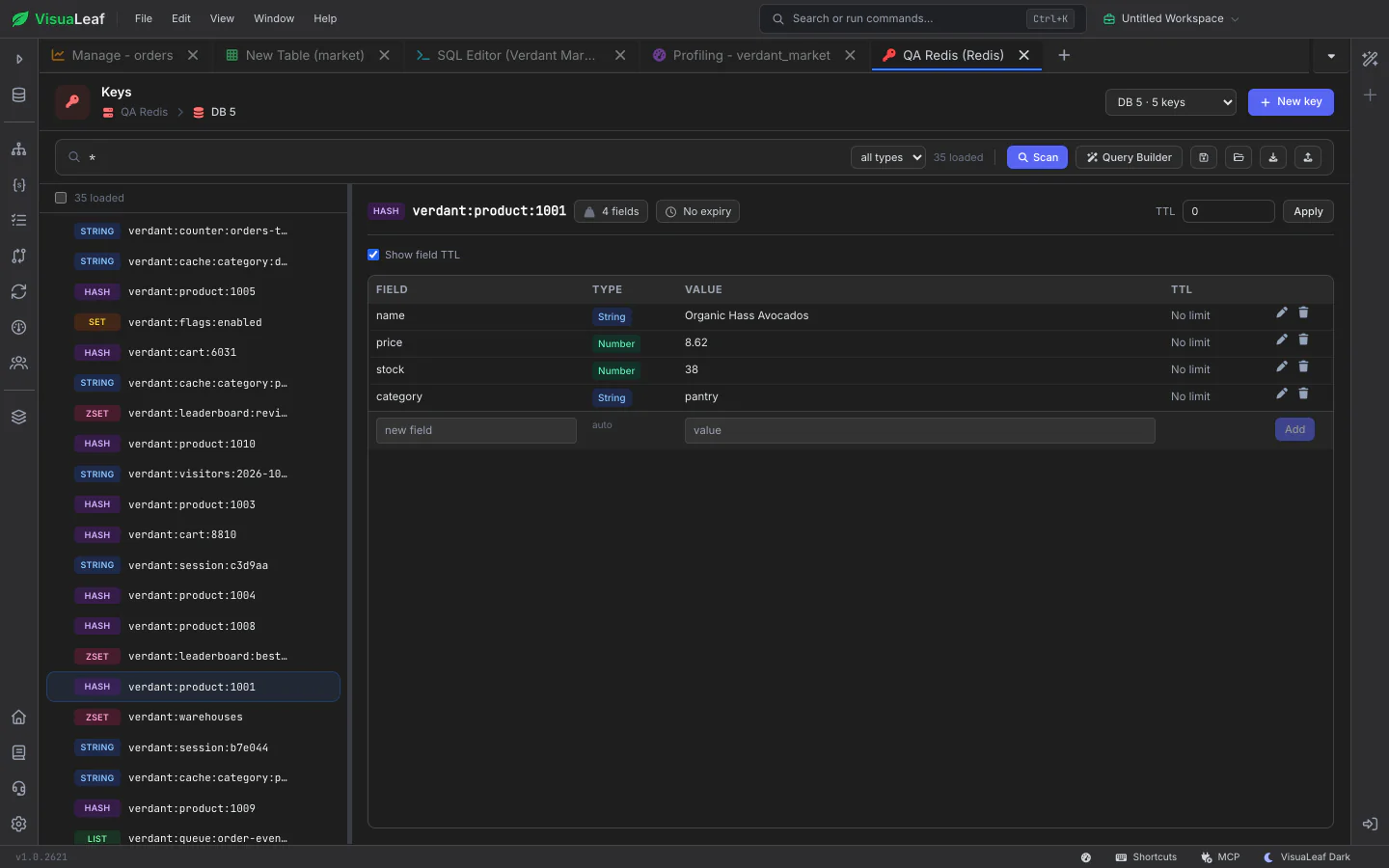
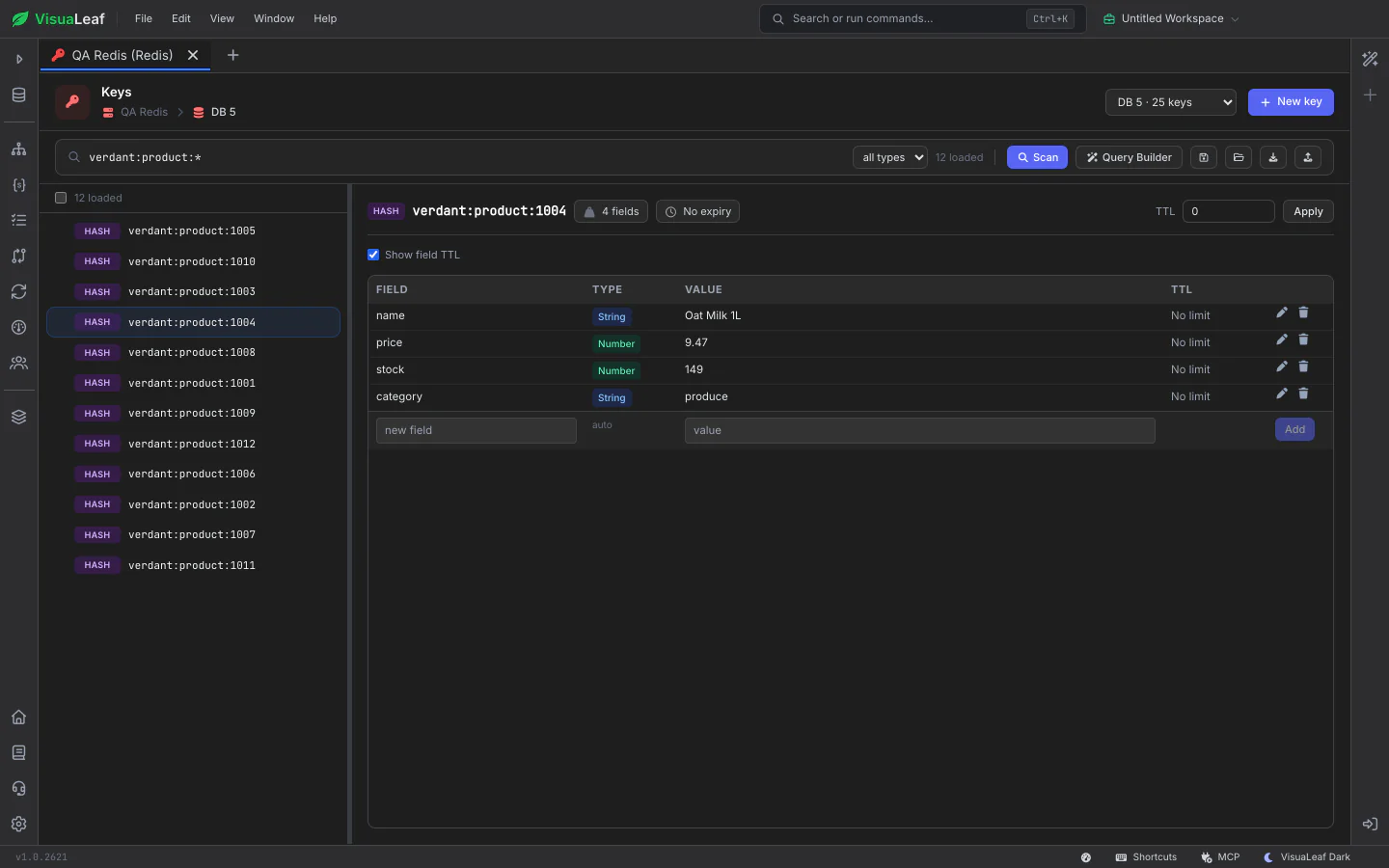
Type a pattern such as user:*, narrow it to one data type, or filter hashes by the value of a field, including paths into JSON stored in a field. Save a search with its pattern and filters to run it again later. Double-click a namespace in the sidebar to open the browser already filtered to it.

Redis key browser filtering keys with the pattern verdant:product:*, each with its type badge, and one product hash open beside the list

Edit Every Data Type in Place

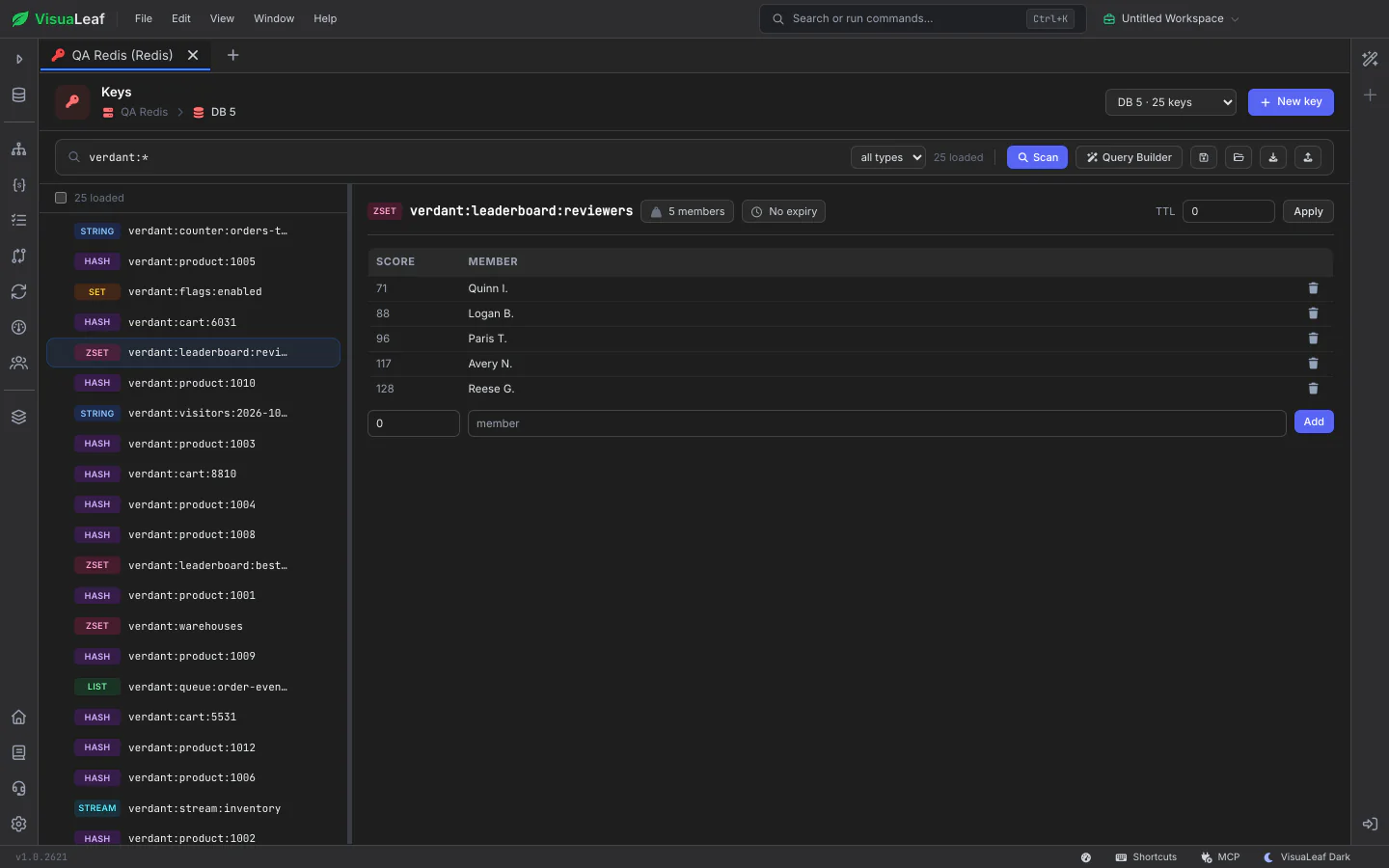
The value panel adapts to the key: a text box for strings, a field table for hashes with each value's type and TTL, members for sets, score and member pairs for sorted sets, and entries for streams. Set a key's time to live, give individual hash fields their own expiry, and open JSON values in a tree or code editor.

Sorted set in the Redis key browser listing members by score, with add and remove controls, next to keys of every type

Redis CLI as a Script Editor

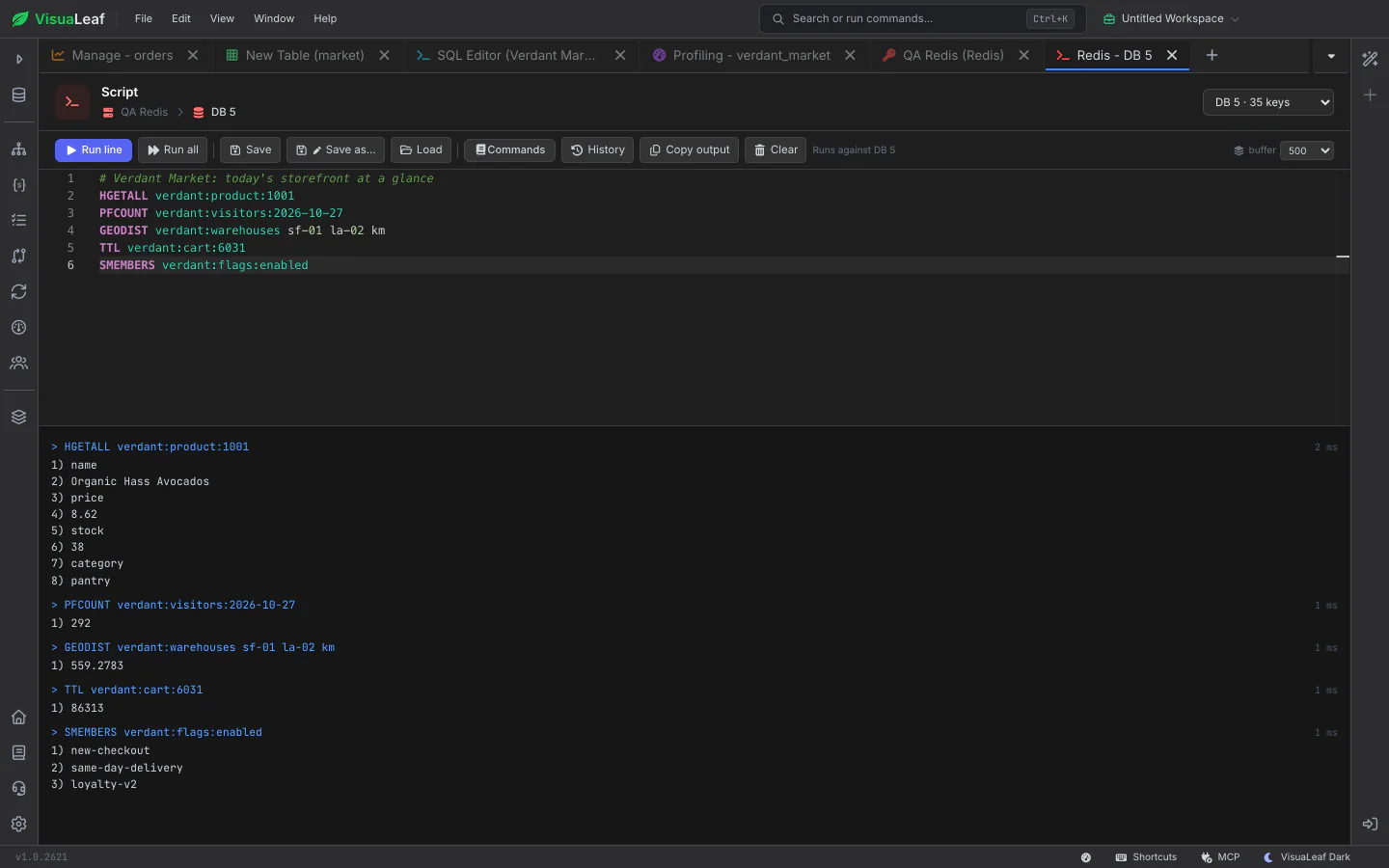
Write several commands with comments and run the line under the cursor or the whole script. Every reply appears in the output pane with its own timing. Save scripts beside your shell and SQL scripts, reopen past commands from History, and look up any command's syntax in the built-in reference.

Redis CLI script with several commands and their replies in the output pane below

Server Health and ACL Users

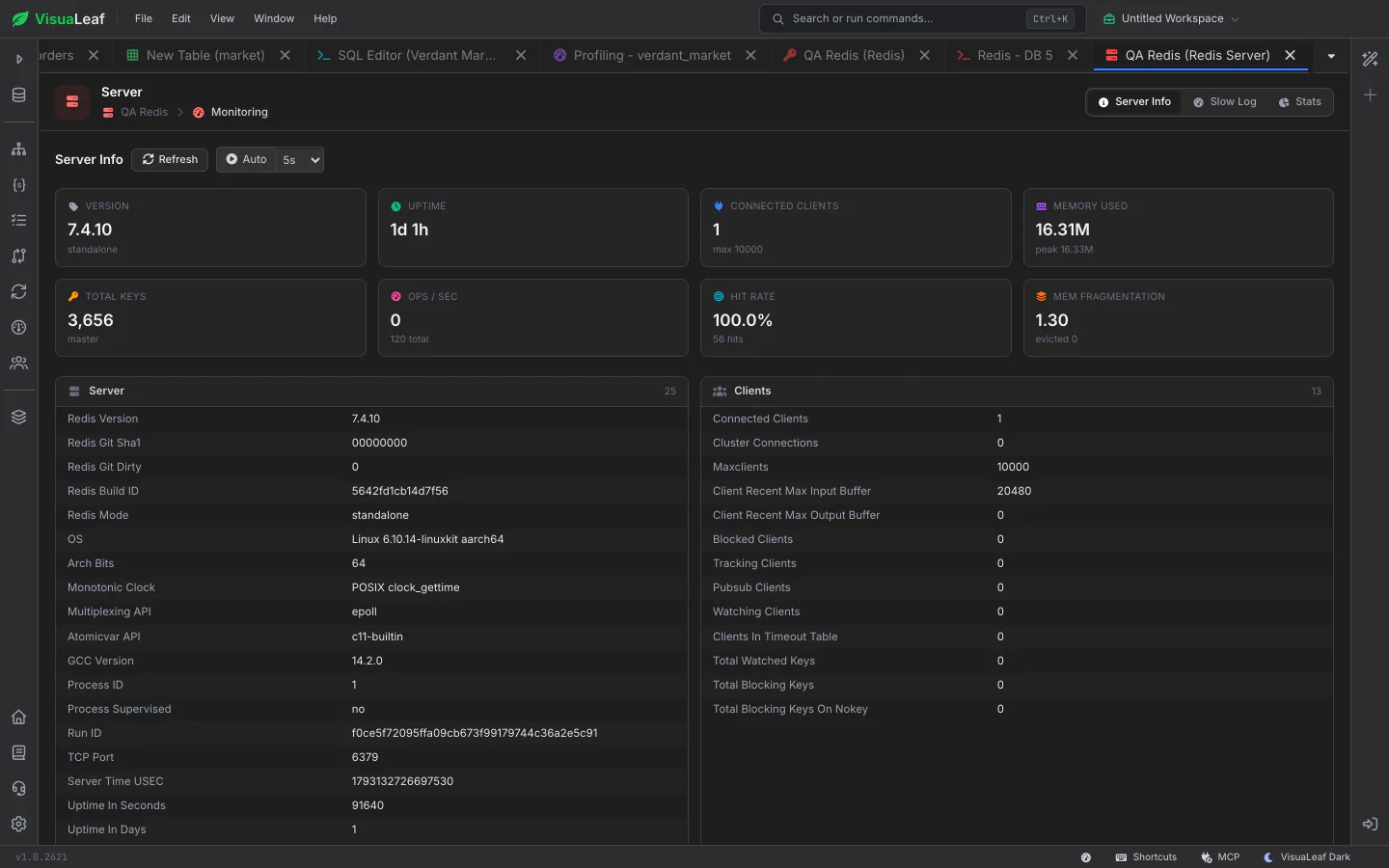
Server Info shows version, uptime, clients, memory, keys, operations per second and cache hit rate at a glance, refreshing on its own if you like, with every INFO section as a readable table, the slow log and, on a cluster, each node with its role and slots. Users & Security lists ACL users with their rules and key patterns, and a permission tester checks what a user may run before you grant it.

Redis Server Info with memory, clients, keys and hit-rate cards above the INFO sections
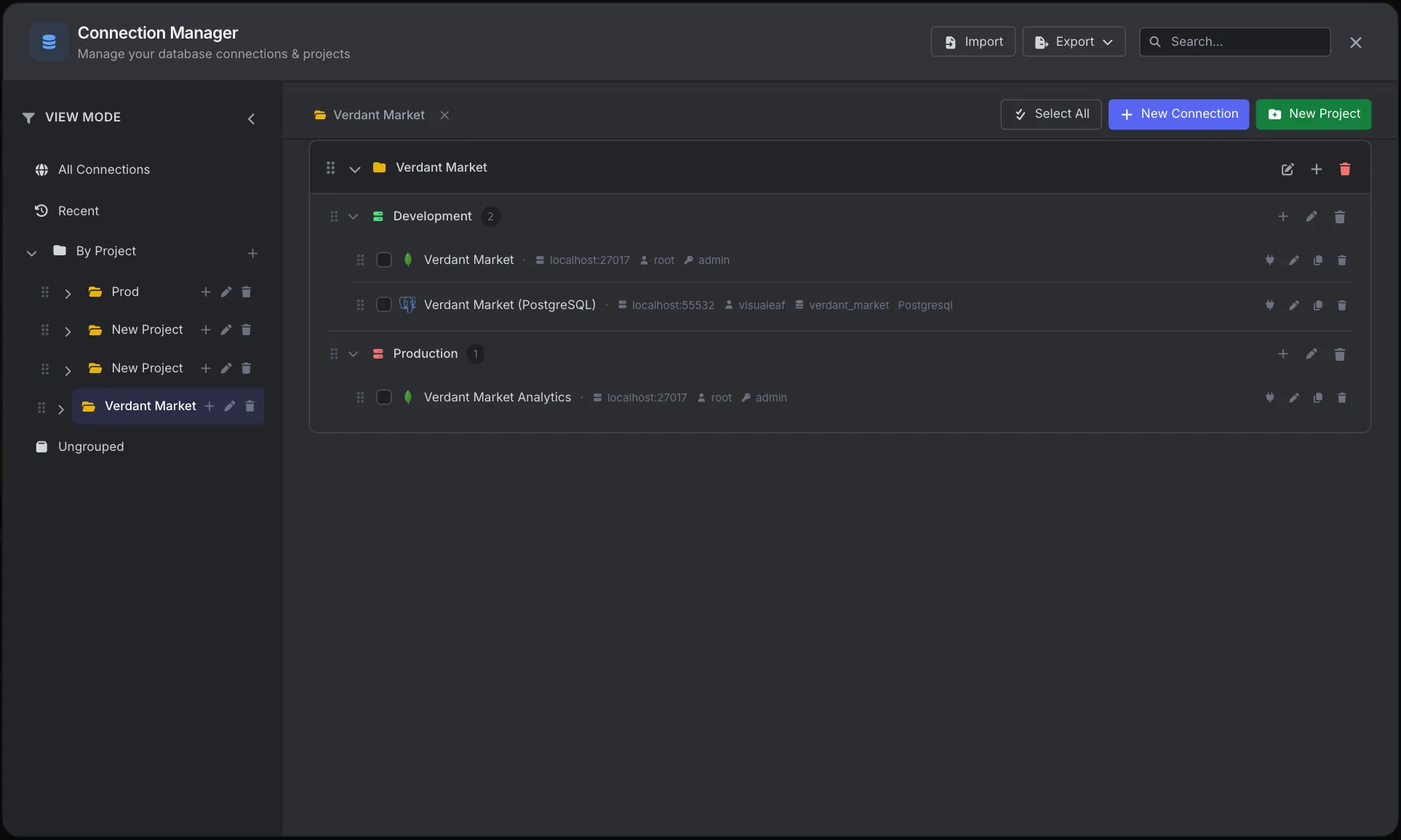
VisuaLeaf Connection Manager with connections organized into projects and environments

Connection Manager

Add Redis connections the same way as MongoDB and SQL ones: standalone, Sentinel or Cluster, with an optional SSH tunnel. Keep them in projects and environments with the rest of your databases.

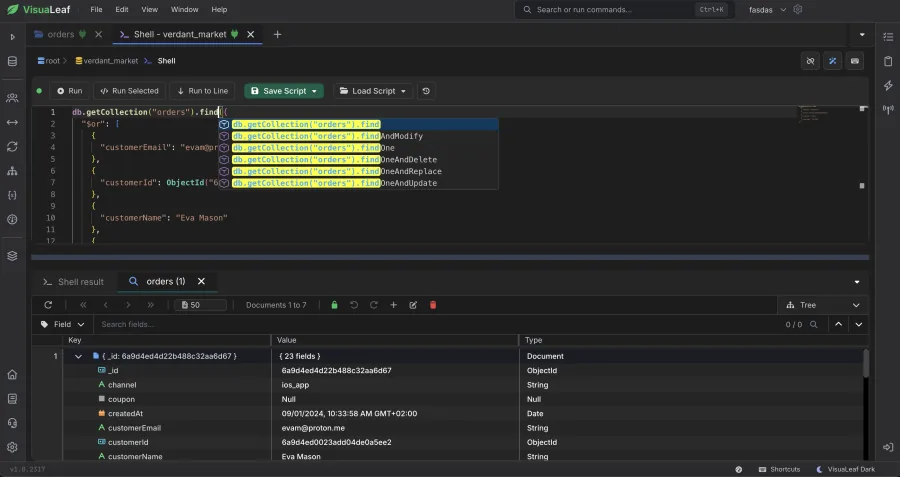
VisuaLeaf MongoDB shell with syntax highlighting

MongoDB Shell & SQL Scripts

Redis CLI scripts are saved in the same library as your MongoDB shell scripts and SQL scripts, so every script you rely on is in one place.

Want to Learn More?

Check out the documentation to explore all the details about Redis and discover more VisuaLeaf features.

Read the Documentation

Ready to manage Redis visually?

Get started free with our Community Edition. Includes a 14-day trial of Pro features.

macOS Windows Linux