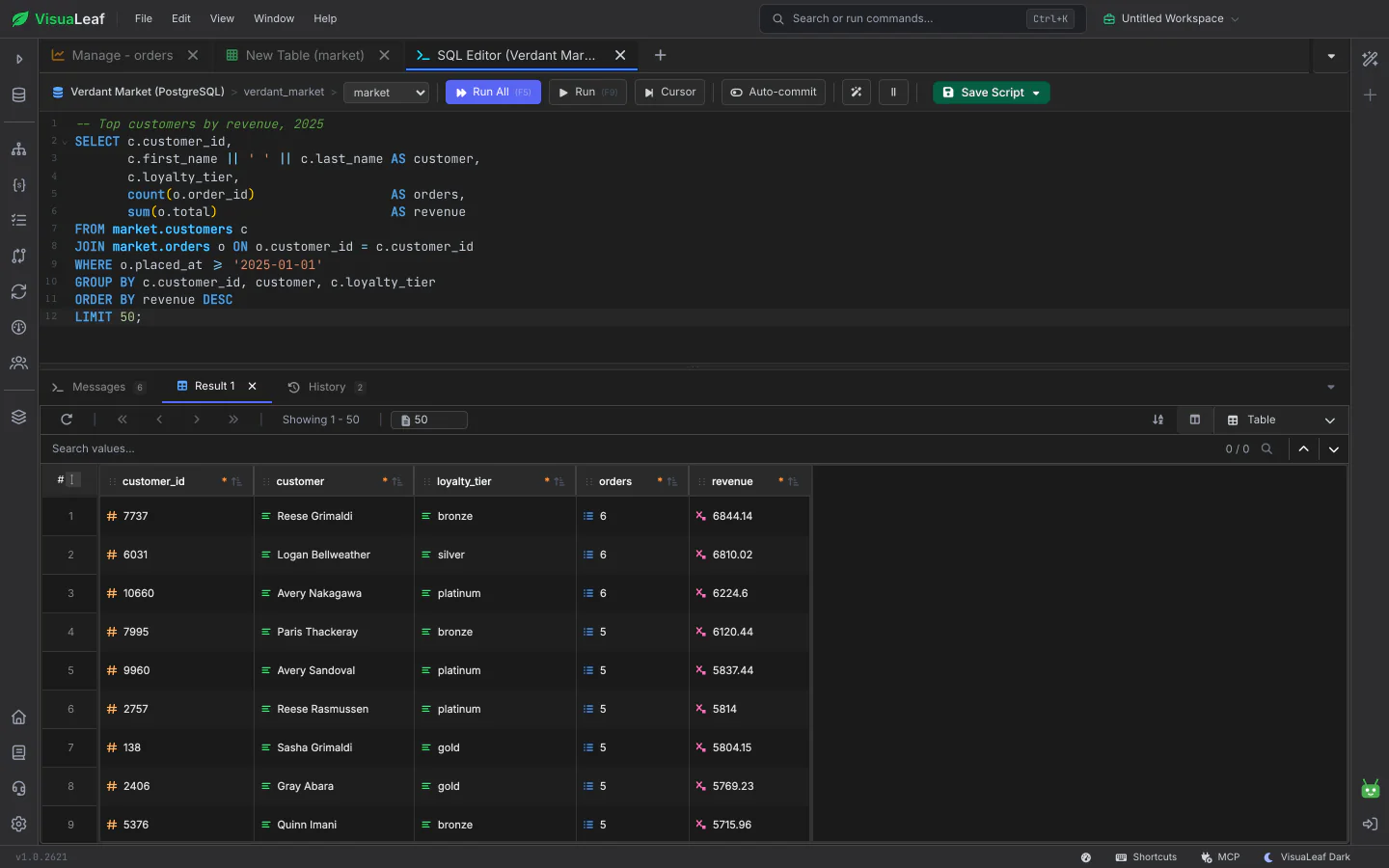
Write SQL with autocomplete, run all of it or just a selection, and read the results in a grid. Switch a tab to manual commit and nothing you run is permanent until you press Commit, so you can check your changes first and roll them all back if something looks wrong.
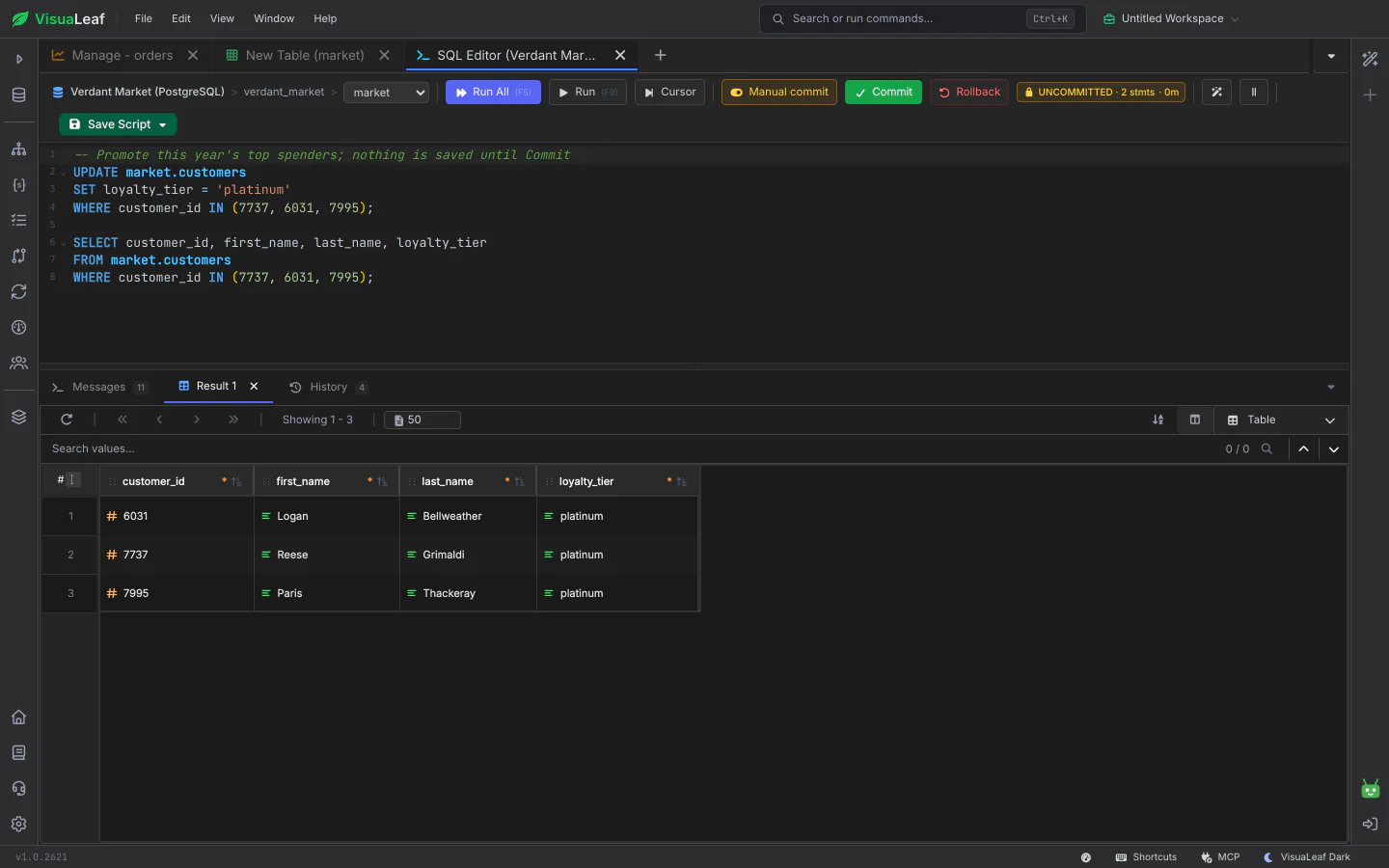
Switch a tab from Auto-commit to Manual commit. An UNCOMMITTED badge shows how many statements are waiting and for how long. Commit makes them permanent; Rollback undoes them all. You are warned when a transaction has been idle for a while and may be holding locks, when MySQL, MariaDB or Oracle commits on its own because of a schema change, and when an error aborts a PostgreSQL transaction. Closing a tab with an open transaction asks first.
Autocomplete suggests tables and columns as you type. Run the whole script with F5 or only the selected part with F9, format SQL, and read results in a grid with paging and search. Earlier queries are kept in History, scripts can be saved to your library, and a result can be turned into a chart.
Press Stop, or Escape, to cancel a running table query on the server. Running again replaces the previous query, and closing the tab cancels it, so a forgotten query doesn't keep working in the background.
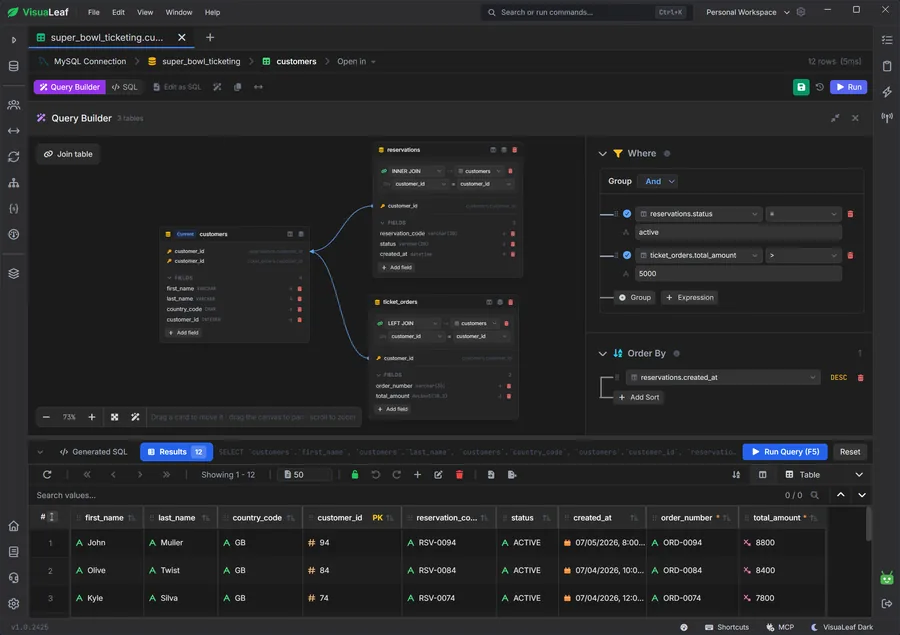
Build a query by picking tables and columns, with suggested joins, and switch to SQL whenever you want to edit the text yourself.
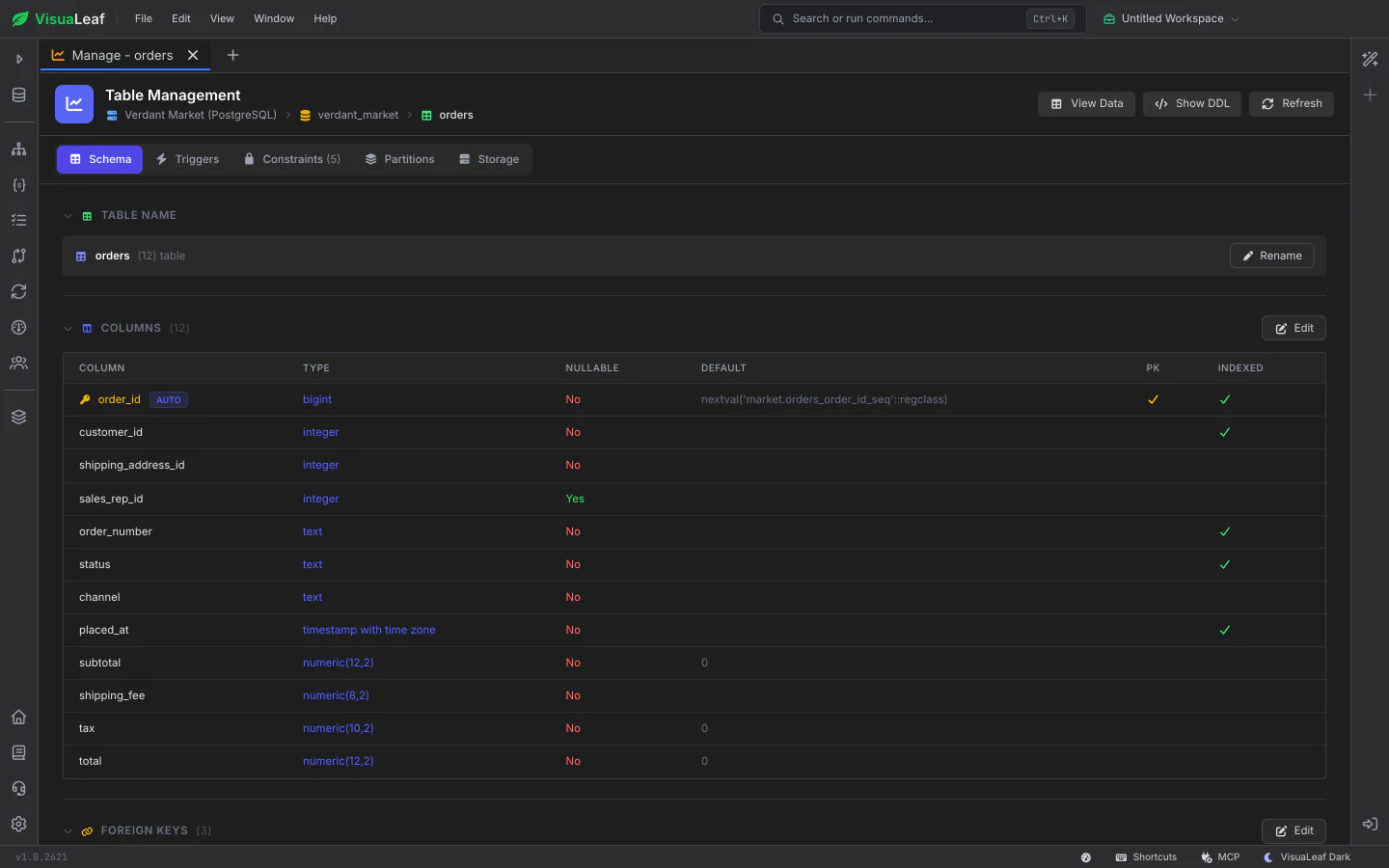
Change a table's columns, keys and indexes in a form, and see the SQL it will run. Grid edits can also be held for review and committed together.
Check out the documentation to explore all the details about the SQL Editor and discover more VisuaLeaf features.
Read the DocumentationGet started free with our Community Edition. Includes a 14-day trial of Pro features.