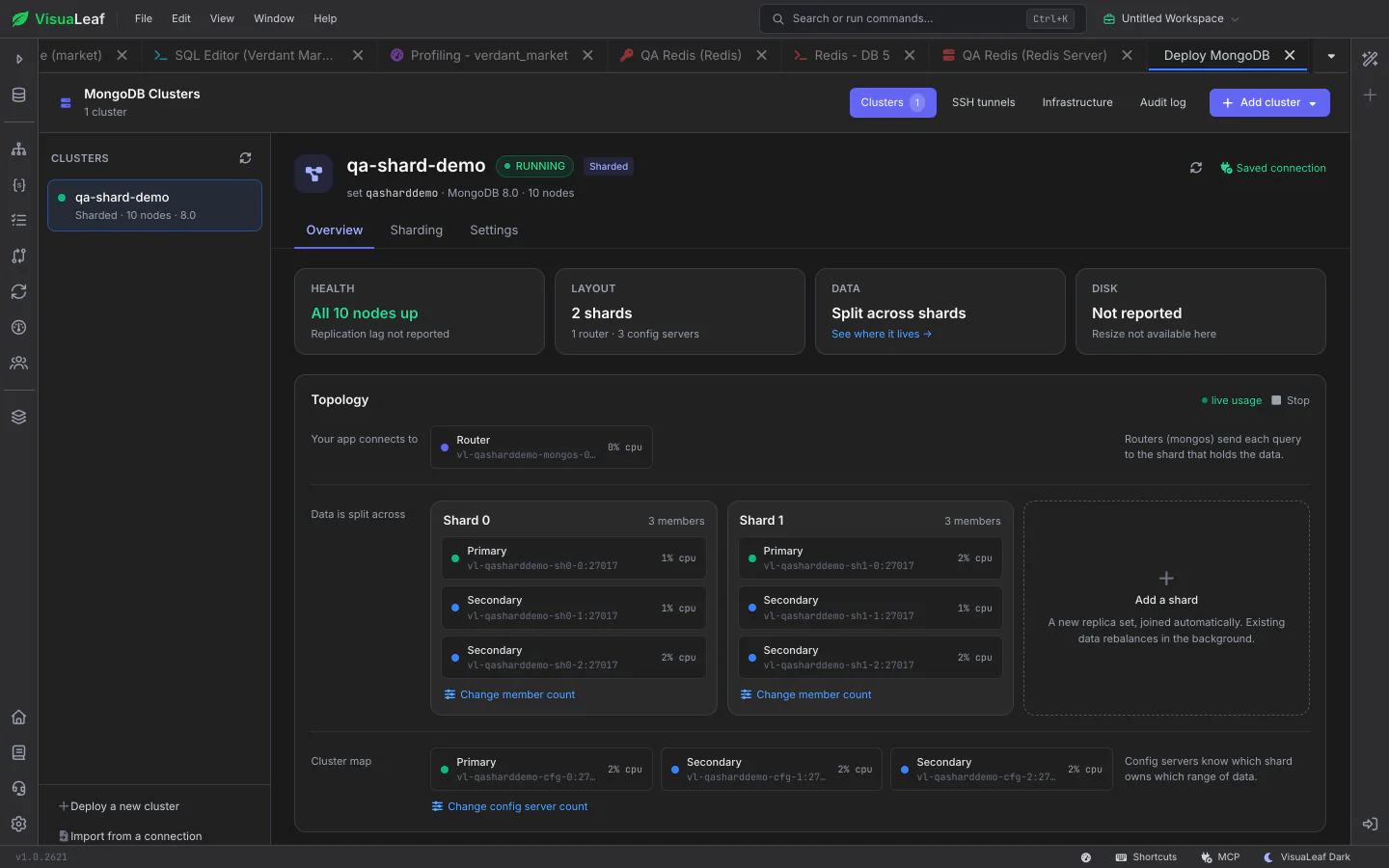
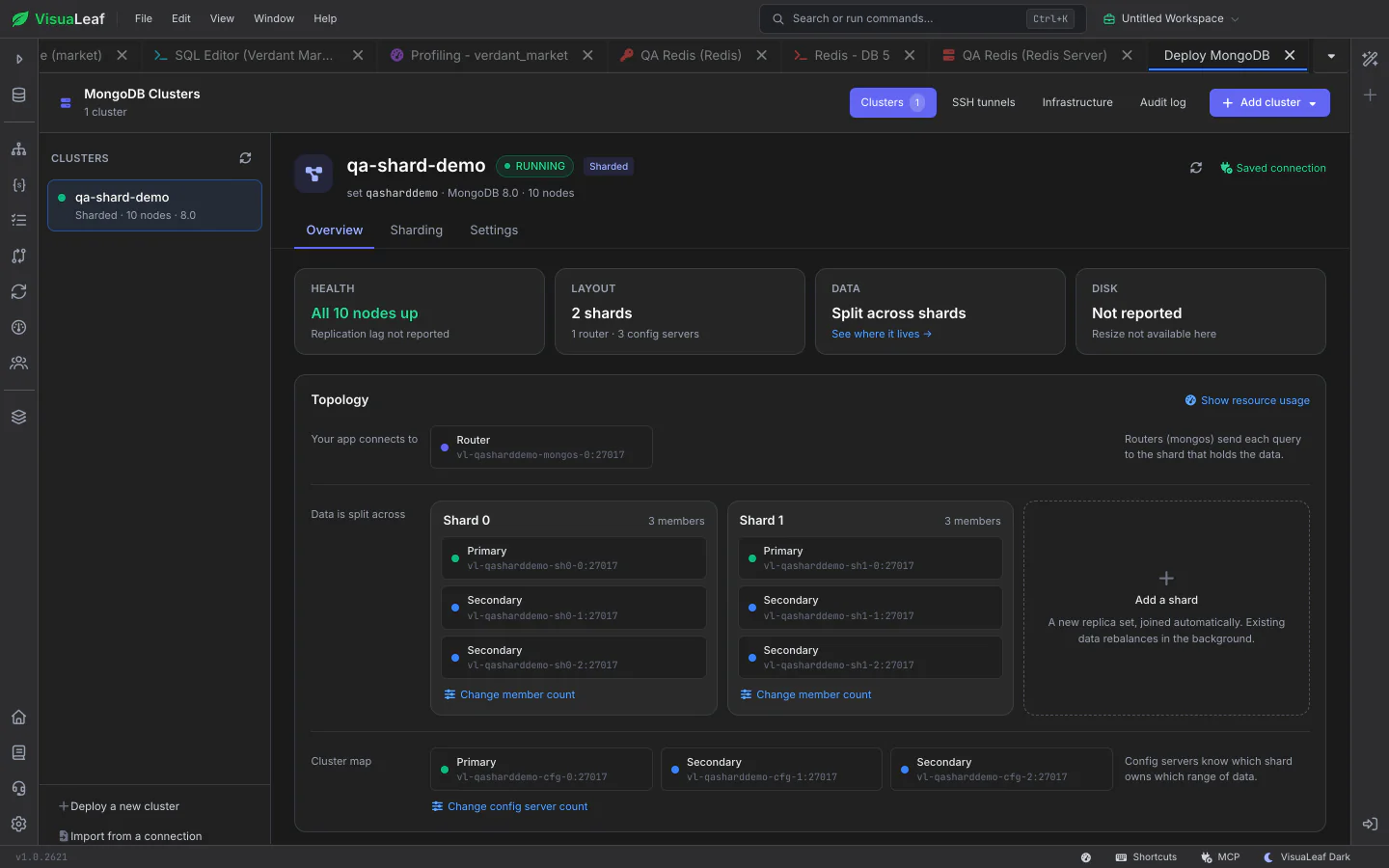
VisuaLeaf shows every sharded collection as a bar of where its data actually sits, says in plain words what is going on, and walks you through sharding a new collection, from choosing a shard key to the exact command that will run.
Each sharded collection gets a bar showing which shards hold its data, with a plain status such as "All on shard0 – the balancer is off". Collections that aren't sharded yet are listed largest first. Pick one to see per-shard numbers, switch its balancing on or off, change its shard key, move it to one shard or unshard it.
Pick a collection, then pick a shard key from the Shard Key Advisor's scored suggestions. The review shows whether the supporting index exists, what the balancer will do with the data, and the exact command. Sharding is turned on for the database automatically.
Start or stop the balancer from one status control. Under the tools you can inspect chunk distribution, move, split or merge chunks, pin key ranges to shards with zones, and read recent migrations, with each action explained before it runs.
Check out the documentation to explore all the details about Sharding and discover more VisuaLeaf features.
Read the DocumentationGet started free with our Community Edition. Includes a 14-day trial of Pro features.