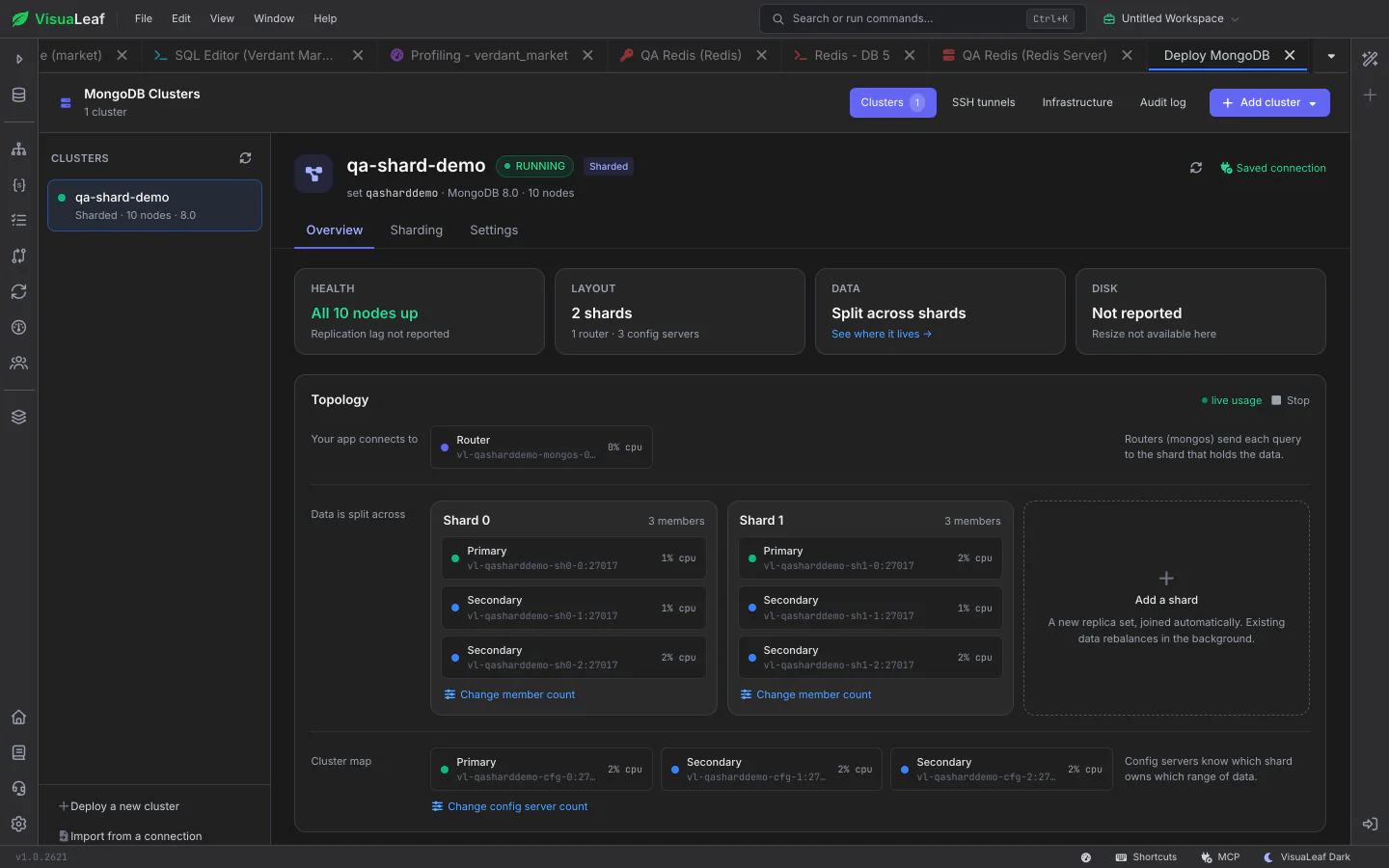
Create replica sets and sharded clusters in local Docker or on your own servers over SSH, then manage them from one full-screen workspace: health, topology, upgrades, storage and backups. Already running clusters can be found and added in a few clicks.
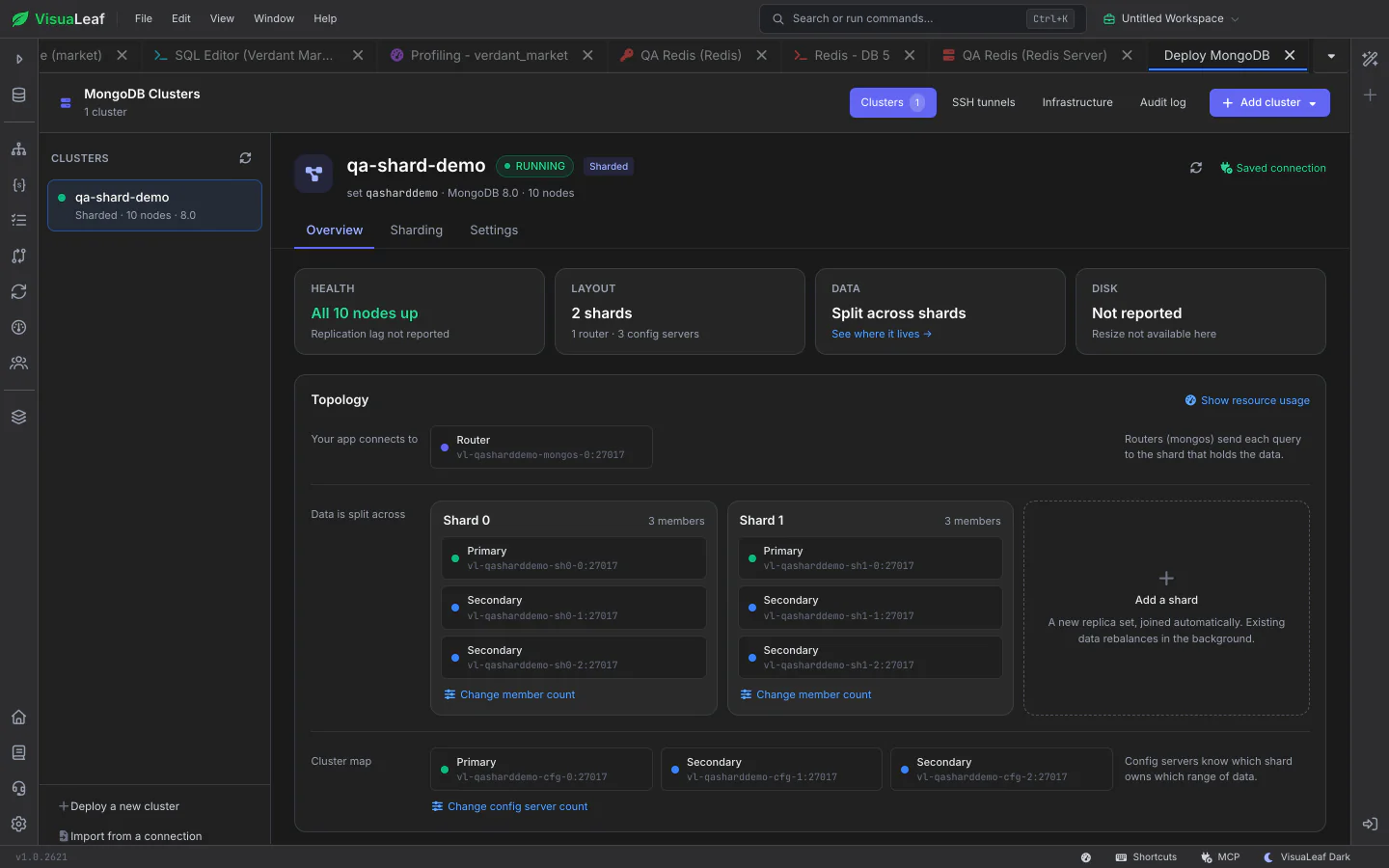
Your clusters are listed on the left and the selected one fills the right side, with Overview, Sharding and Settings. Overview starts with health, then shows members and their real roles: primaries, secondaries, arbiters and routers.
A topology diagram lays out routers, shards and config servers, and the member counts change on the shard they affect. Click any node to see its details, or use the Add a shard card to grow the cluster.
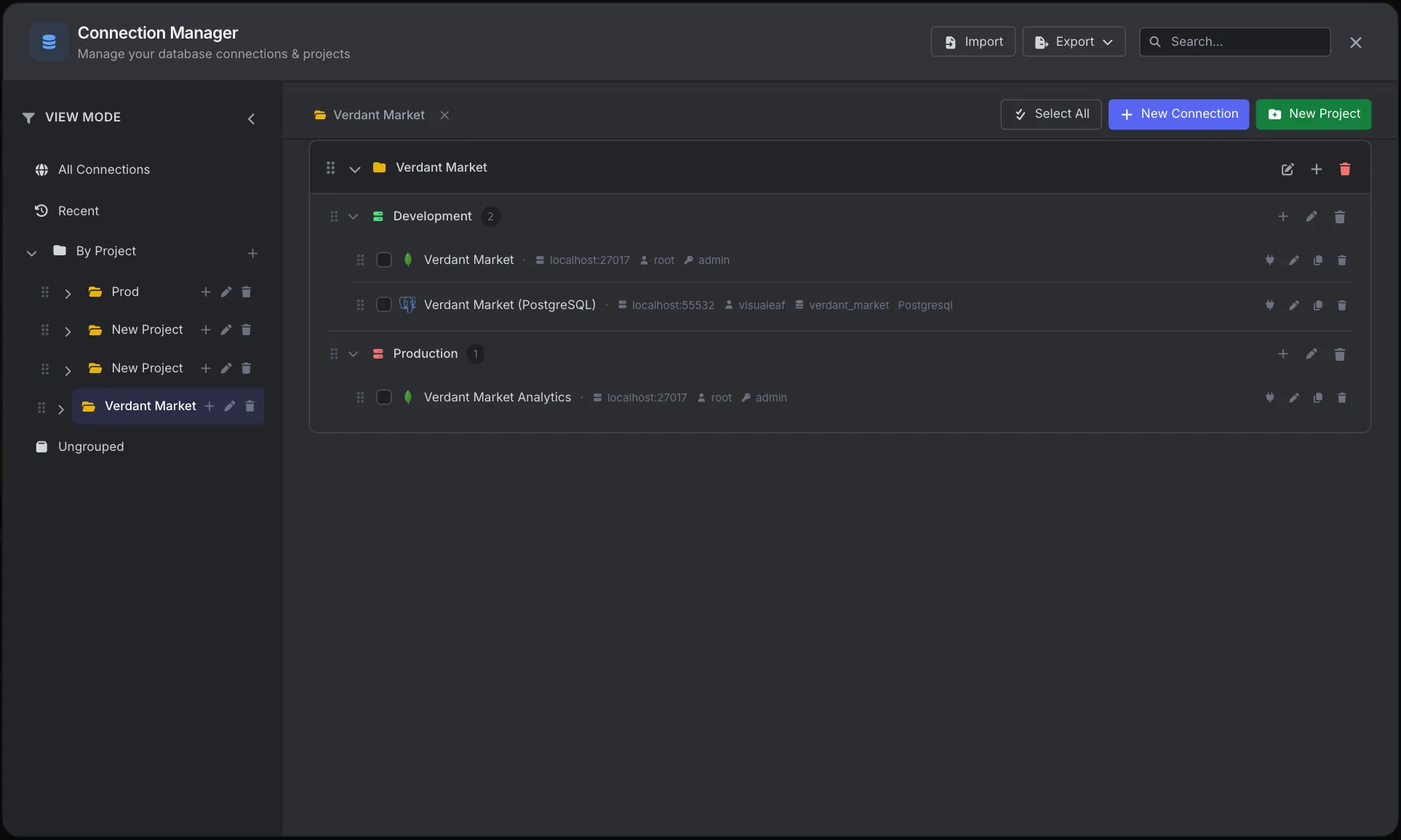
Deploy a new cluster with the number of members, shards and routers you want, with TLS if you need it. Find untracked clusters on Docker or your SSH hosts, or import one from an existing connection. Then upgrade MongoDB one member at a time, grow the data disk, turn on auto-heal, schedule backups, or turn a replica set into a sharded cluster.
Check out the documentation to explore all the details about cluster operations and discover more VisuaLeaf features.
Read the DocumentationGet started free with our Community Edition. Includes a 14-day trial of Pro features.