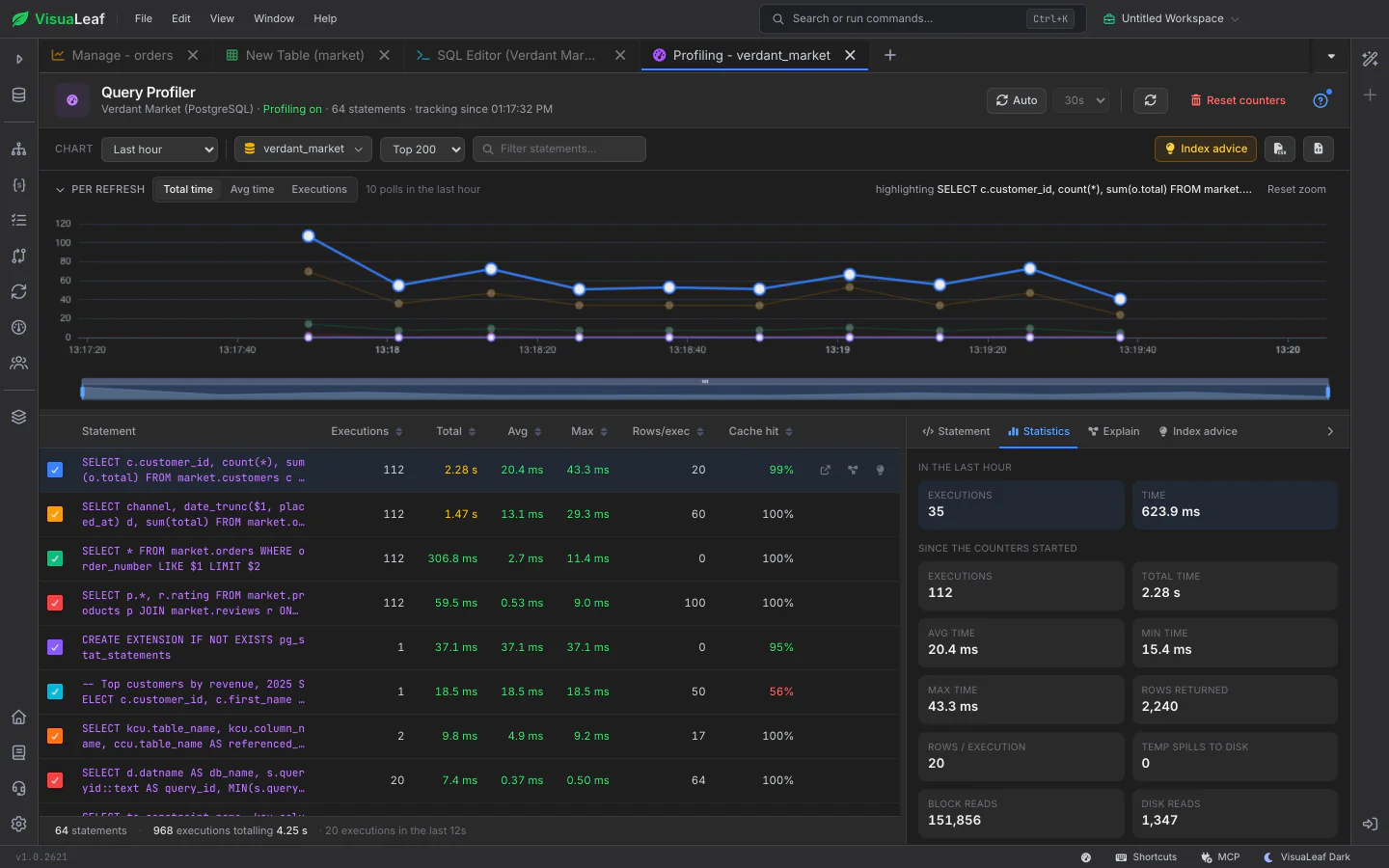
See which statements cost your server the most, how that changes over time, and what to do about it. The SQL Query Profiler reads the statistics your database already keeps and turns them into a chart, a ranked table and index suggestions written in your database's own SQL.
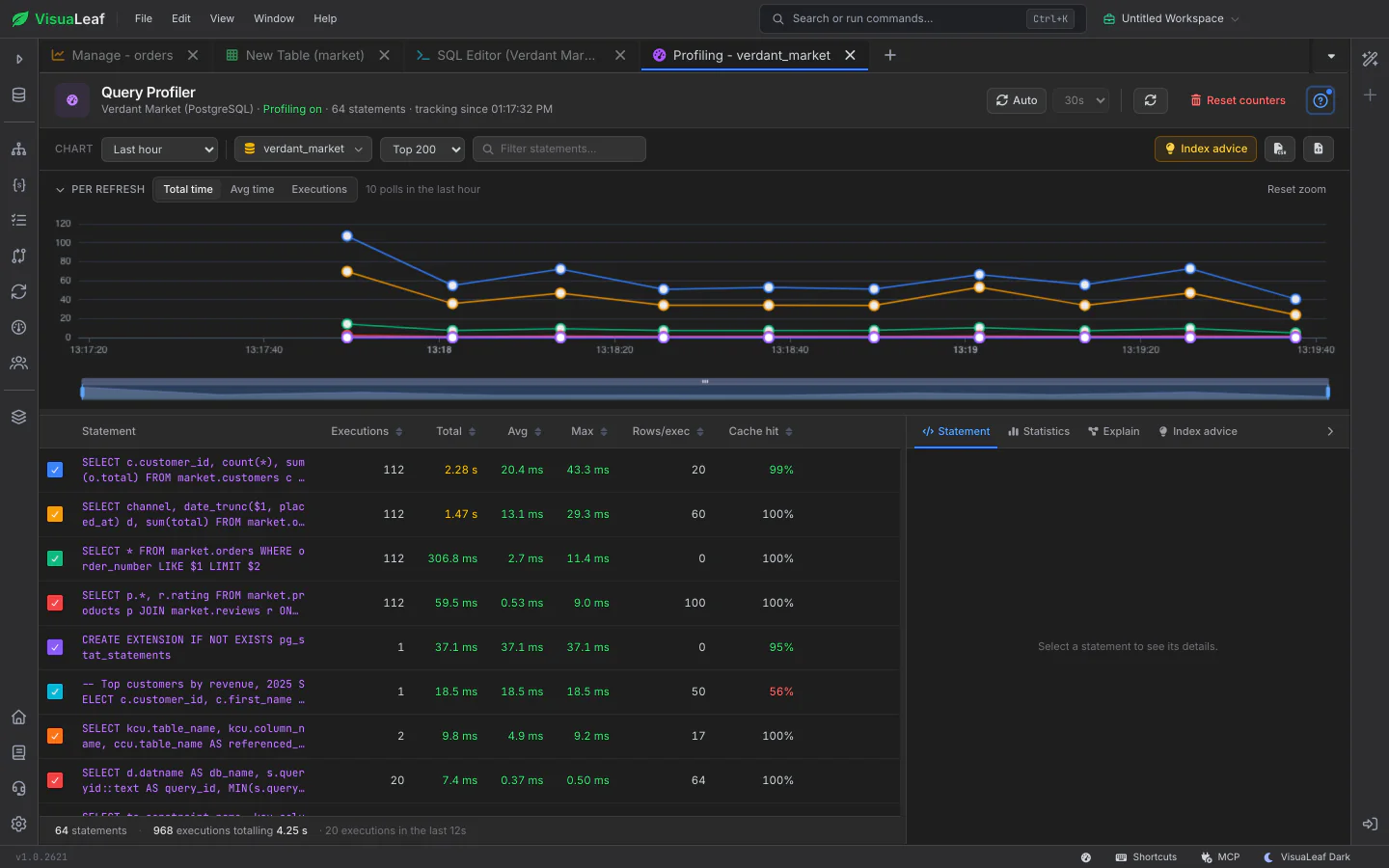
The statement table shows how often each statement runs and how long it takes, plus what your database reports beyond that: rows examined against rows returned, scans without an index, cache hit ratio, slowest runs, CPU and lock time. A chart over time draws one line per statement, so a statement that suddenly gets slower stands out.
Open a statement to see its full text, its statistics, its execution plan and, on MySQL, MariaDB and ClickHouse, each individual run with its rows, bytes and memory. Go from "this is slow" to "this is why" without leaving the tab.
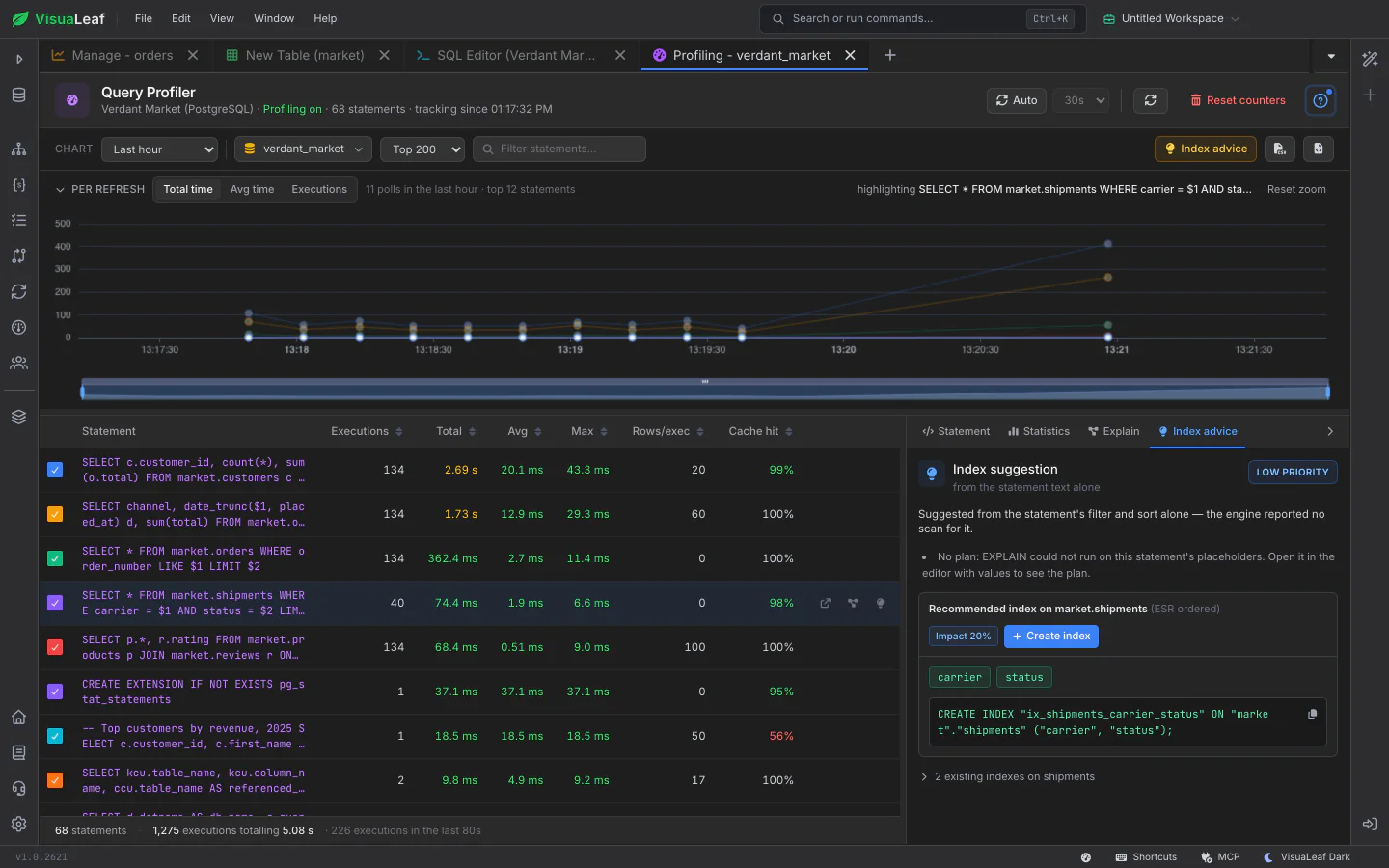
For a slow statement, VisuaLeaf suggests an index with the columns in a sensible order and writes the CREATE INDEX for your database. It recognises indexes you already have that cover the statement, so it doesn't suggest one twice. The advisor ranks suggestions across the whole table.
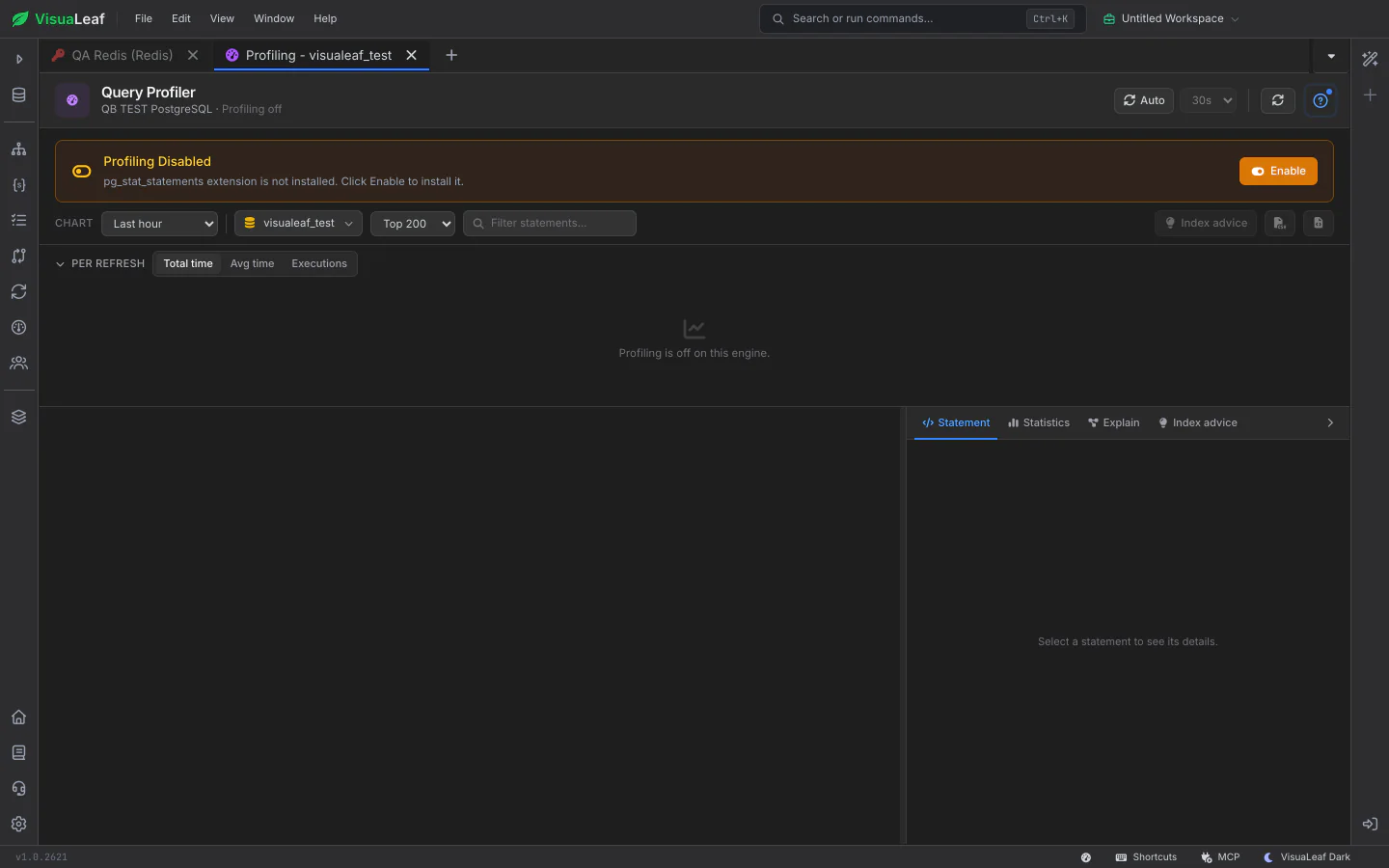
If profiling is switched off, the profiler says so and names the setting or permission to fix, such as the PostgreSQL extension to load or the grant a MySQL user is missing, instead of showing an empty list. Where your database allows it, Enable turns statement statistics on, and Reset clears the counters so you can measure from a clean start.
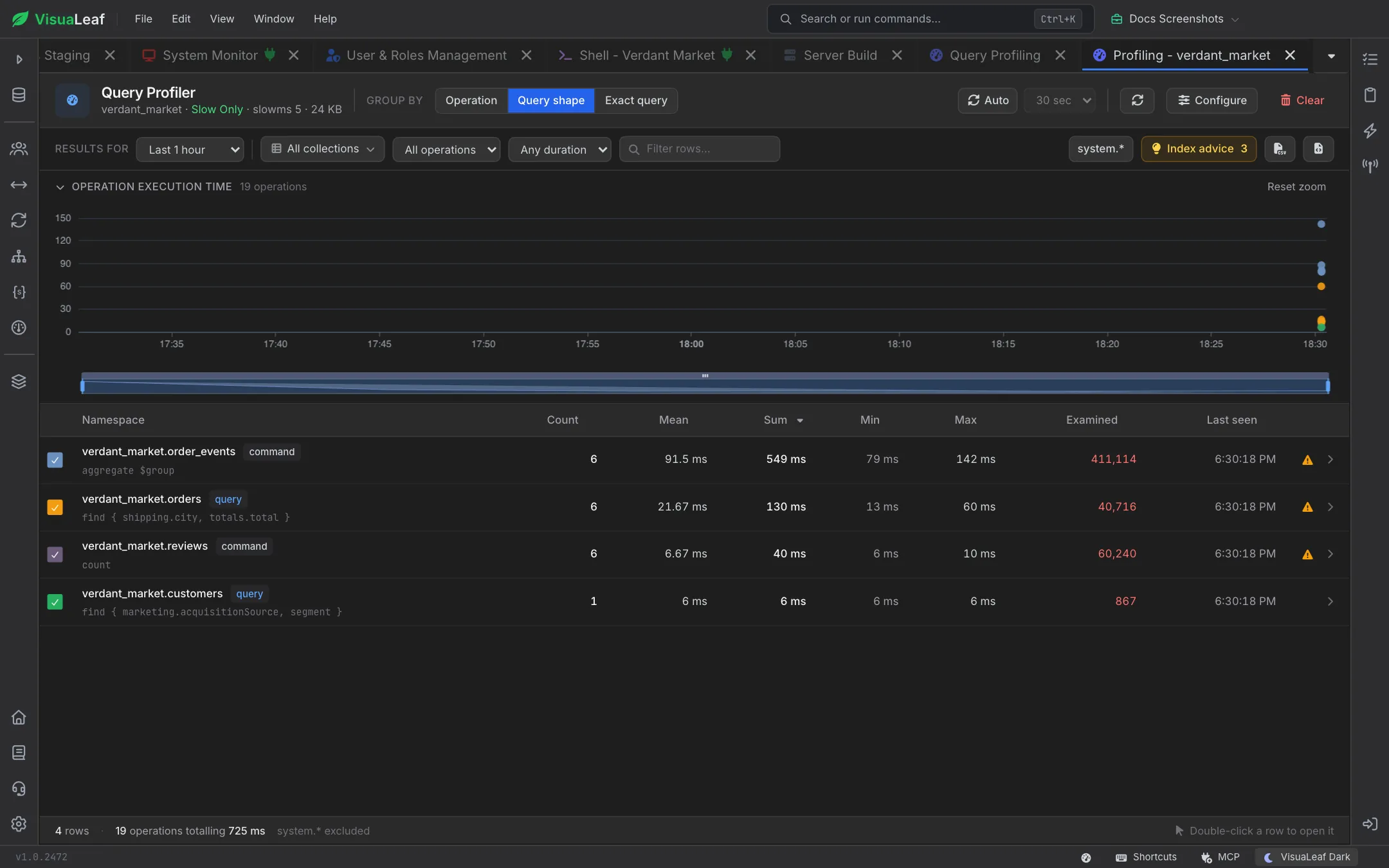
The same way of working for MongoDB: find slow operations, read their plans and get index suggestions, so tuning feels the same whichever database you are on.
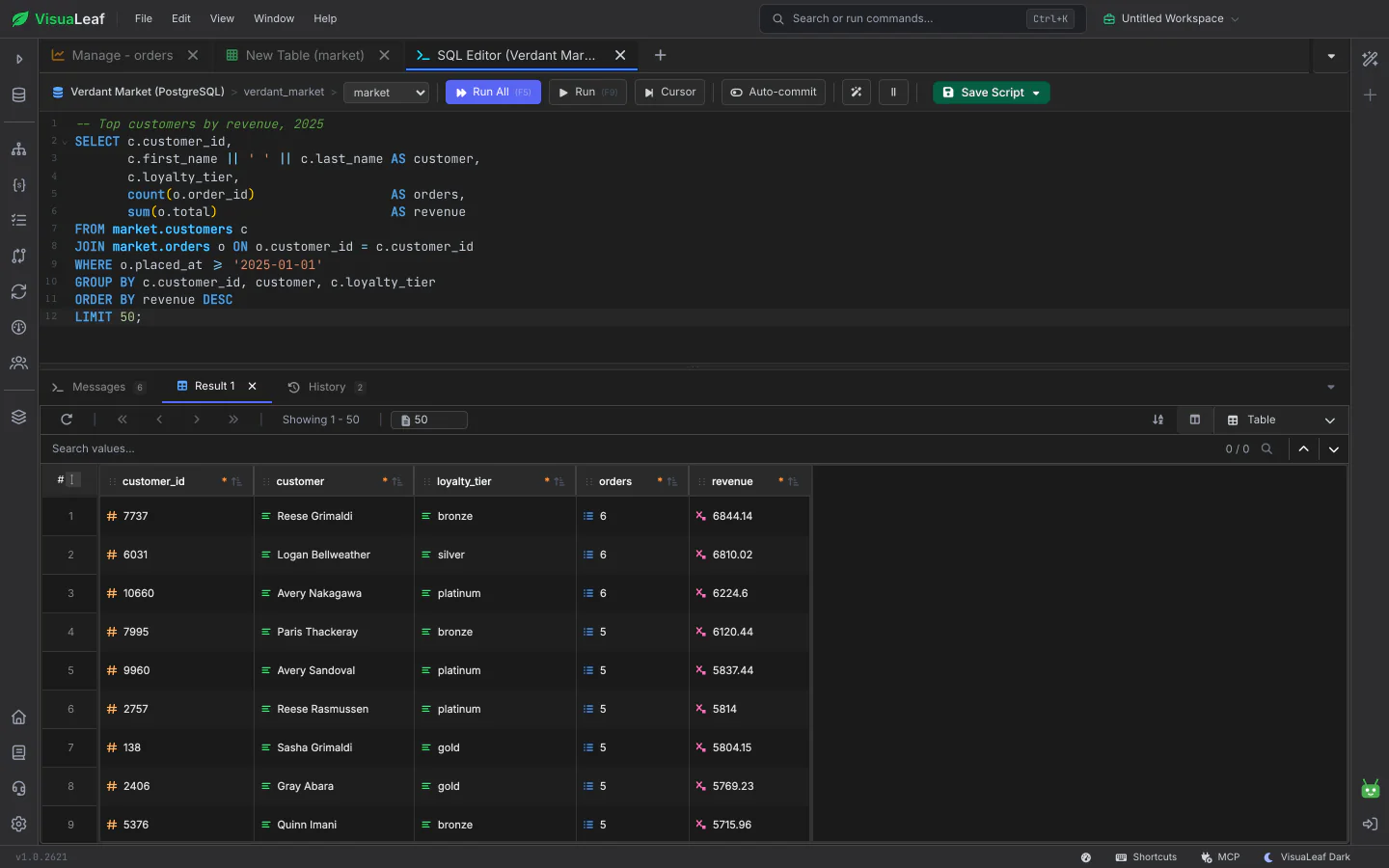
Take a slow statement into the SQL Editor to rewrite it, run it and compare. Try the suggested index there before you keep it.
Check out the documentation to explore all the details about SQL Query Profiling and discover more VisuaLeaf features.
Read the DocumentationGet started free with our Community Edition. Includes a 14-day trial of Pro features.