Plan comparison
Which VisuaLeaf plan is right for you?
Start free. Upgrade only when you need visual query tools, automation, or team features.
- Community Edition is free
- 14-day trial of Pro features
- Works with MongoDB, PostgreSQL, MySQL and more
See what's possible in each plan
Different needs, different tools. Each plan unlocks more ways to work visually with MongoDB and SQL databases.
Compare every feature
See exactly what you get at each level. Prices and licenses are on the pricing page.
Feature
Community
Basic
Professional
Up to 3 MongoDB
Included
Included
Redis Connections
Not included
Included
Included
Not included
Included
Included
Not included
Included
Included
Not included
Included
Included
Saved Queries & Scripts
Included
Included
Included
JSON editor only
Included
Included
Not included
Included
Included
Not included
Included
Included
Not included
Included
Included
Not included
Included
Included
Not included
Included
Included
Not included
Up to 5 tasks
Unlimited
Not included
Not included
Included
Task Notifications
Not included
Not included
Included
Not included
Not included
Included
Not included
Not included
Included
Not included
Not included
Included
MCP Server for AI Tools
Not included
Not included
Included
Collection Statistics
Included
Included
Included
Server Monitoring
Not included
Included
Included
Replica Sets & Sharded Clusters
Not included
Included
Included
Priority Support
Not included
Not included
Included
When should you upgrade?
Start with what you need today. Move up when your work grows.
Community to Basic
Upgrade when you want to build, optimize and model things visually.
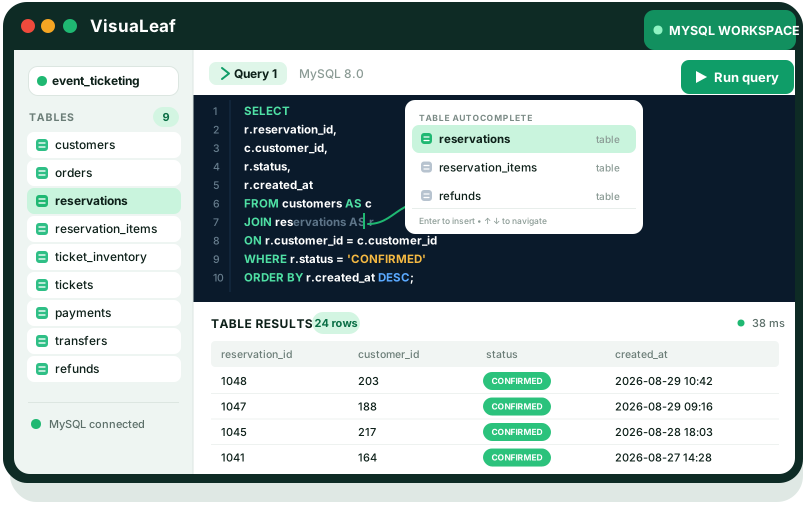
- Build queries and aggregations with the visual builders
- Profile slow queries and monitor your servers
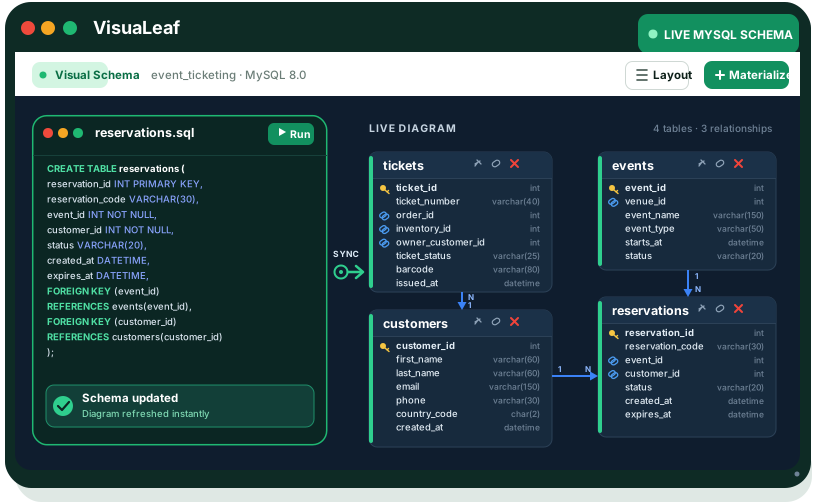
- Generate mock data and turn ER diagrams into real tables
- Get AI help with queries, aggregations and explain plans
- Unlimited MongoDB connections, plus Redis
Basic to Professional
Upgrade when your team needs insight, automation and control.
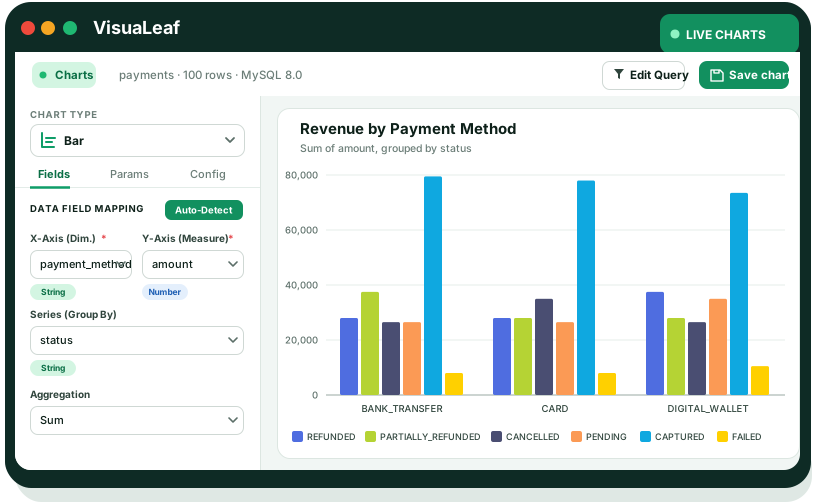
- Charts and dashboards built from your queries
- Unlimited export, import and migration tasks
- Data compare, real-time sync and RBAC
- An MCP server for Claude, Cursor and other AI tools
- Priority support
Frequently asked questions
Can I start with Community and upgrade later?
Yes. Community Edition is free, and you can move to Basic or Professional whenever you need more.
Is there a free trial?
Yes. Create a free account and you get 14 days of every Professional feature. No credit card required.
How do updates work?
Basic and Professional are one-time purchases that include 1 year of updates. After that you can renew updates for a yearly fee. Current prices are on the pricing page.
Is Basic for individuals or teams?
Basic is built for individual developers. Professional adds features for teams, such as RBAC, data compare and sync, and priority support.
Do all plans work with SQL databases?
Yes. Every plan, including the free Community Edition, connects to PostgreSQL, MySQL, MariaDB, SQL Server, Oracle, SQLite, ClickHouse and more.
Do you offer team pricing?
Yes. For teams of 5 or more we offer volume discounts and custom plans. Email support@sozocode.com.
Not sure yet? Start free.
Begin with Community Edition and upgrade when your work needs more.